Updated: October 26, 2026
CTA button color psychology is the idea that different button colors trigger different feelings, and those feelings change how likely people are to click. Red feels urgent. Green feels safe. Blue feels trustworthy. But here is the part most guides get wrong: the color itself matters less than the contrast. A button that stands out from everything around it will beat a “perfect” color that blends into the page.
We’ve built over 1,500 landing pages at Ufrenza, and across those tests, one pattern kept coming up: buttons that stood out clearly from their page were much more reliable than buttons chosen simply because someone called a particular color a “winner.” So the real skill is not picking a magic color. It is picking a color that pops and matches the feeling of the action.
In this guide, you will learn what each main button color means, why contrast beats color every time, the best color for each industry, and how to test your choice so the data, not a guess, picks your winner.
What is CTA button color psychology?
CTA button color psychology is the study of how a button’s color affects the way people feel and act when they see it. People often notice color before they read the words on a button. Research on visual processing suggests people register a color faster than they read the text sitting on top of it, so by the time someone finishes reading “Buy Now,” the color has already set the mood.
A lot of these reactions come from things we see every day. Red means stop, danger, and urgency because we see it on traffic lights and warning signs. Green means go and safety for the same reason. Blue feels calm and steady because we link it to the sky and water. Marketers use these built-in reactions to make a button feel the way the action should feel.
Color psychology can give you a useful starting point, but it cannot tell you exactly what will work on your website. That is where testing comes in. (This is the same logic behind auditing your own landing page instead of trusting your gut.)
Why does contrast matter more than color?
Contrast matters more than color because a button only works if people notice it first. This is probably the most important point to remember. A red button on a red page disappears. A plain gray button on a white page pops. The color that wins is almost always the one that stands out the most, not the one with the “best” meaning.
There is even a name for this: the Von Restorff effect, or the isolation effect. It says that the thing which looks different from everything around it is the thing people remember and act on. So your button should be the most different color on the page.
There are some useful real-world examples of this. In a widely cited test run by Performable and popularized by HubSpot, a red button beat a green one by 21% on a mostly-green page. Red was not magic here. The page was mostly green, so the red button was simply the one that stood out. Change the page colors and the result can flip.
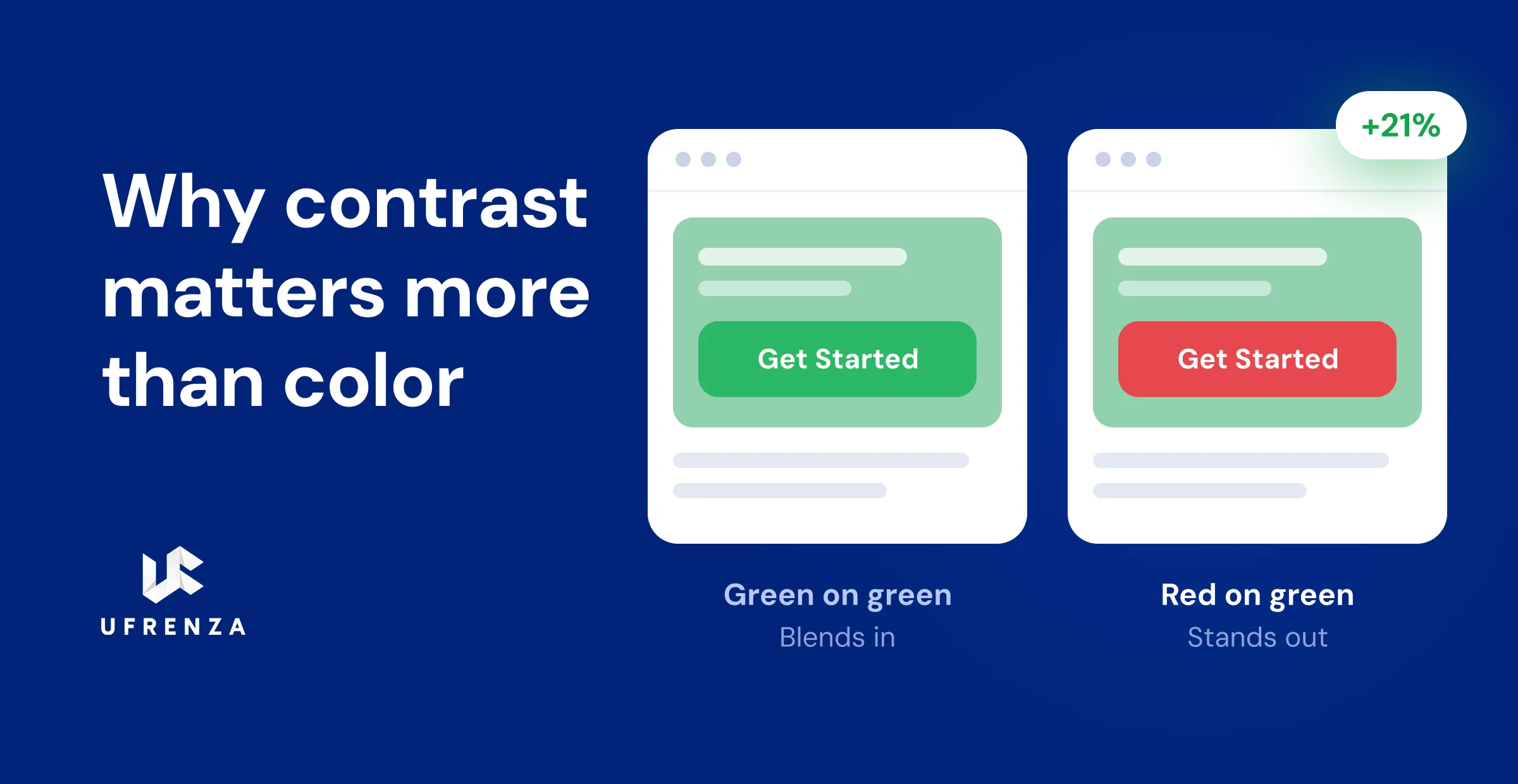
Key Takeaway: Do not ask “what is the best button color?” Ask “what color stands out most on my page?” Contrast is what gets the click. Color psychology just decides the mood once the button is seen.
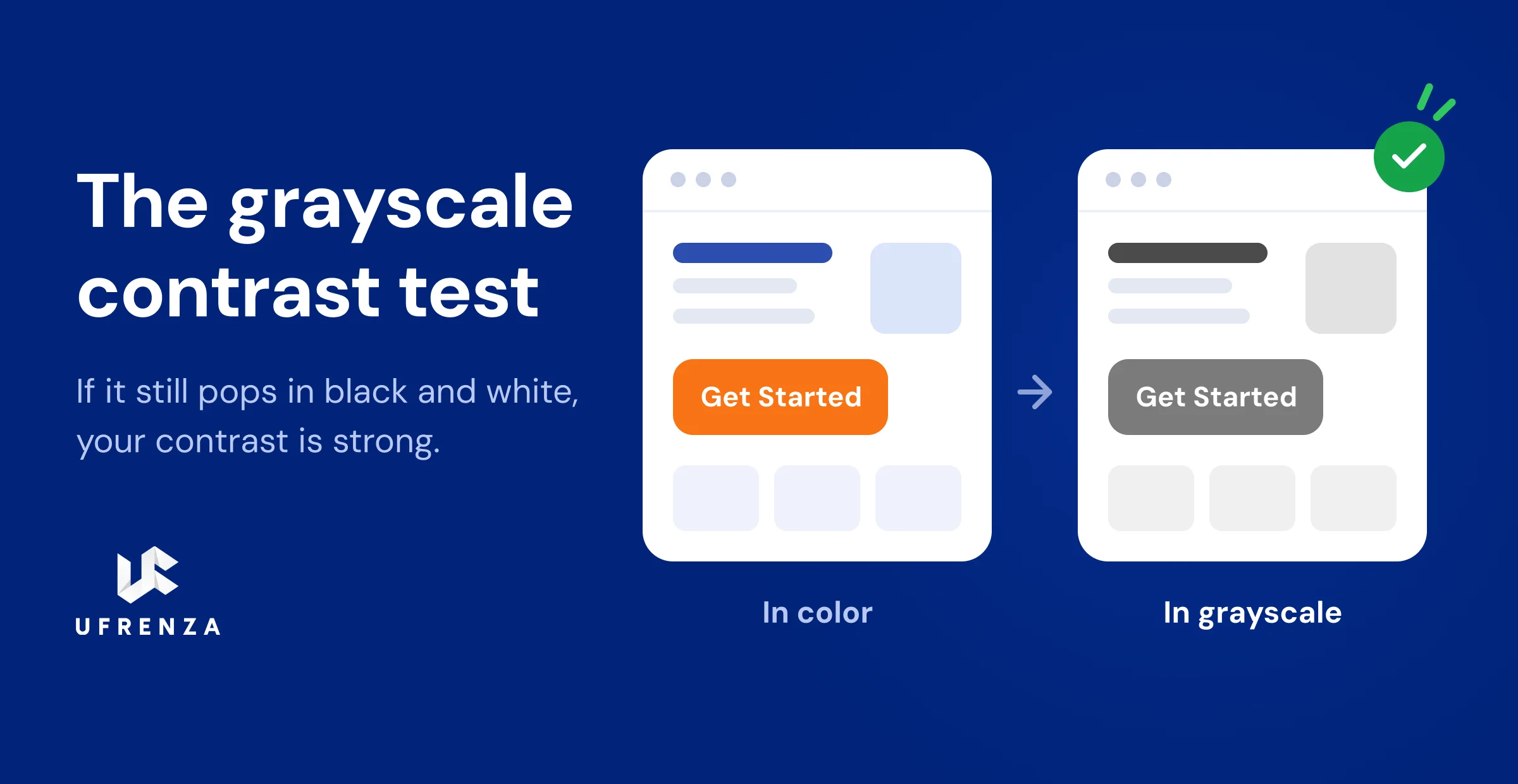
A quick test: turn your page to grayscale (black and white). If your button still clearly stands out with no color to help it, your contrast is strong. If it fades into the page, it needs work.
What does each CTA button color mean?
Each color sends a different message and fits a different kind of action. Here is what the main CTA colors mean and when to use them.
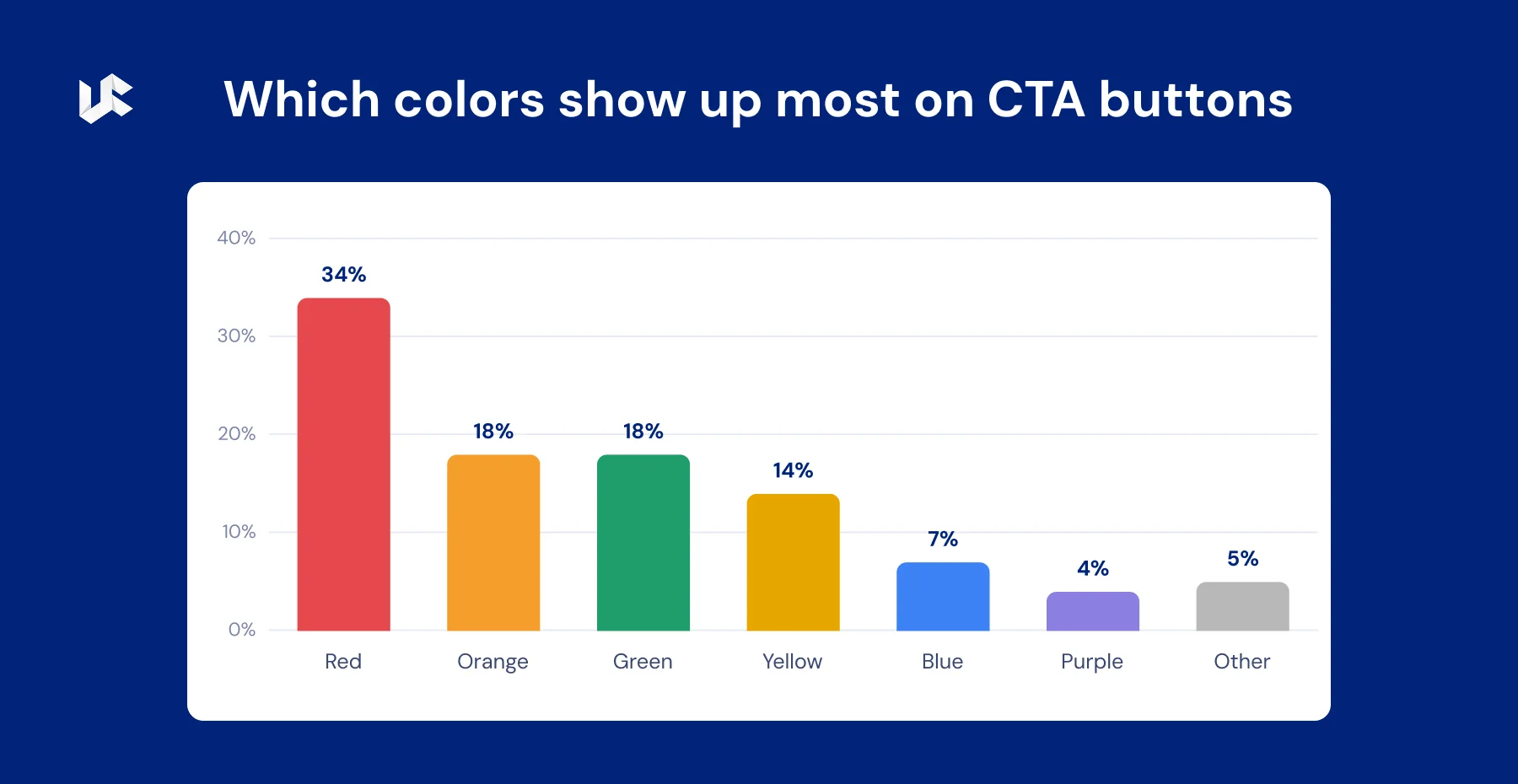
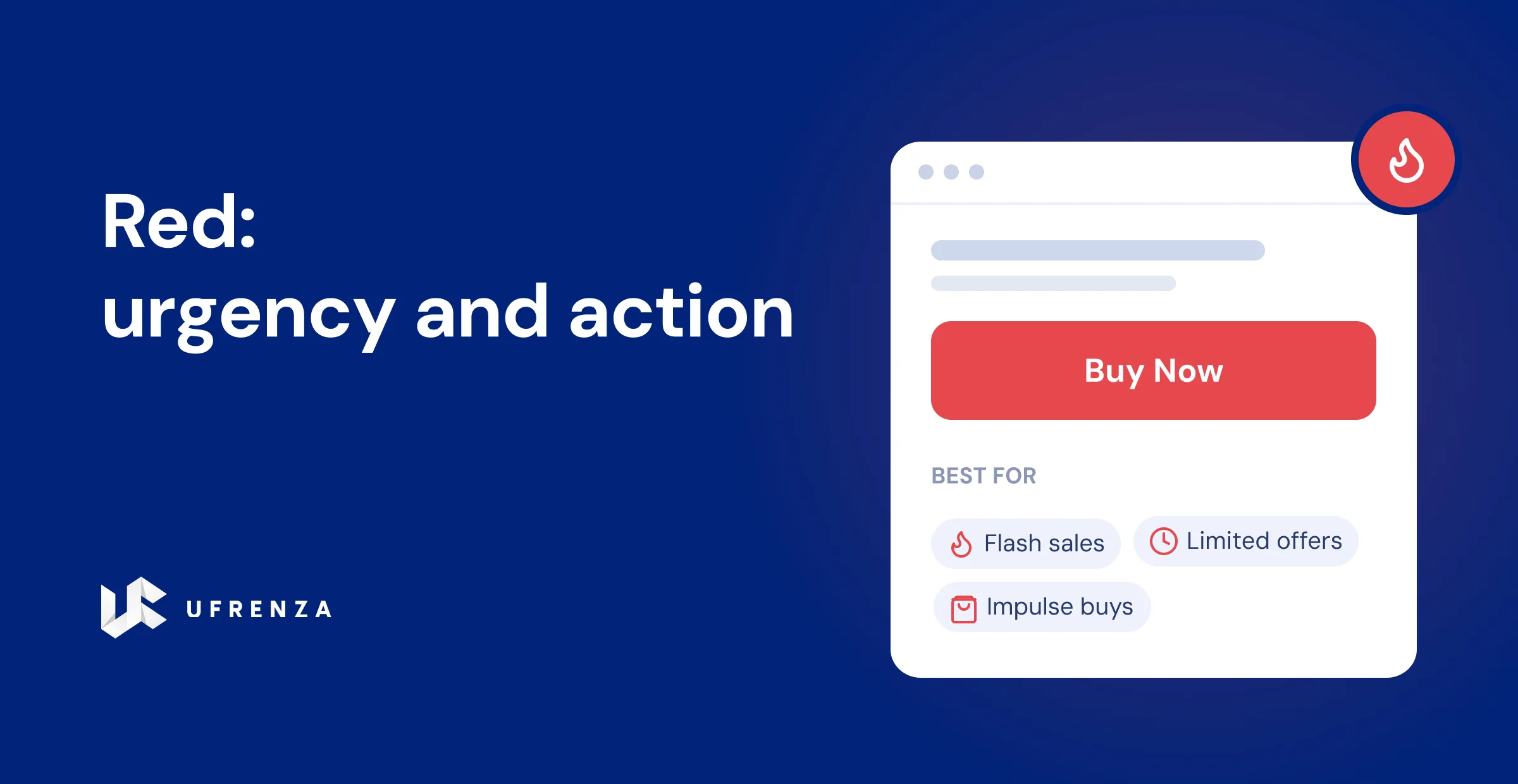
Red: urgency and action. Red creates a sense of “act now.” It is a common choice for flash sales, limited offers, and impulse buys. Many people avoid it for finance, health, or wellness, where it can feel like an alarm. Tip: skip pure red (too harsh) and use a slightly softer red instead.
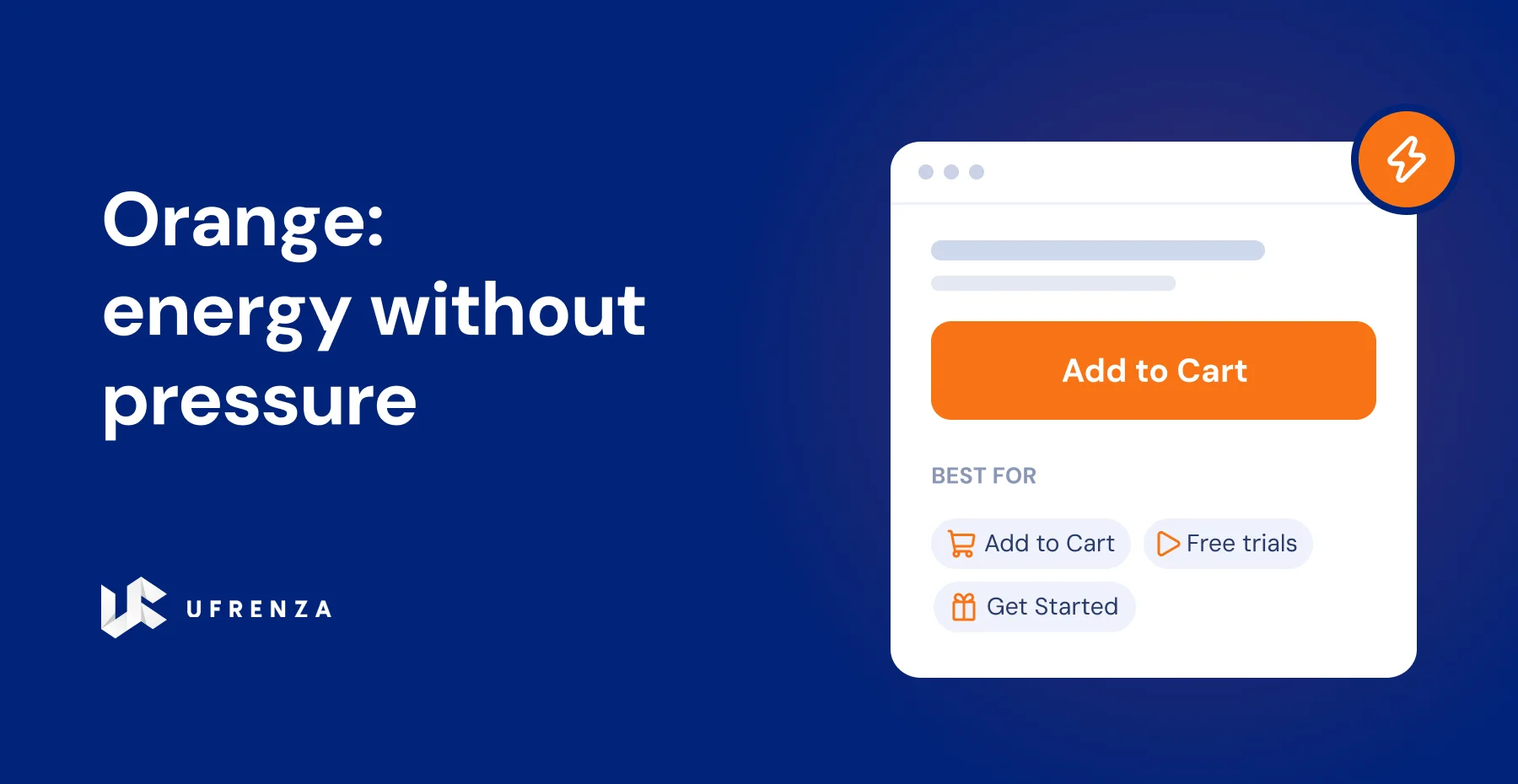
Orange: energy without pressure. Orange has red’s push but yellow’s friendliness, so it feels active but not pushy. It is popular for “Add to Cart,” “Get Started,” and “Free Trial.” Amazon’s buy button is a well-known example. It works especially well on blue or gray pages, since orange sits opposite blue on the color wheel and creates strong contrast.
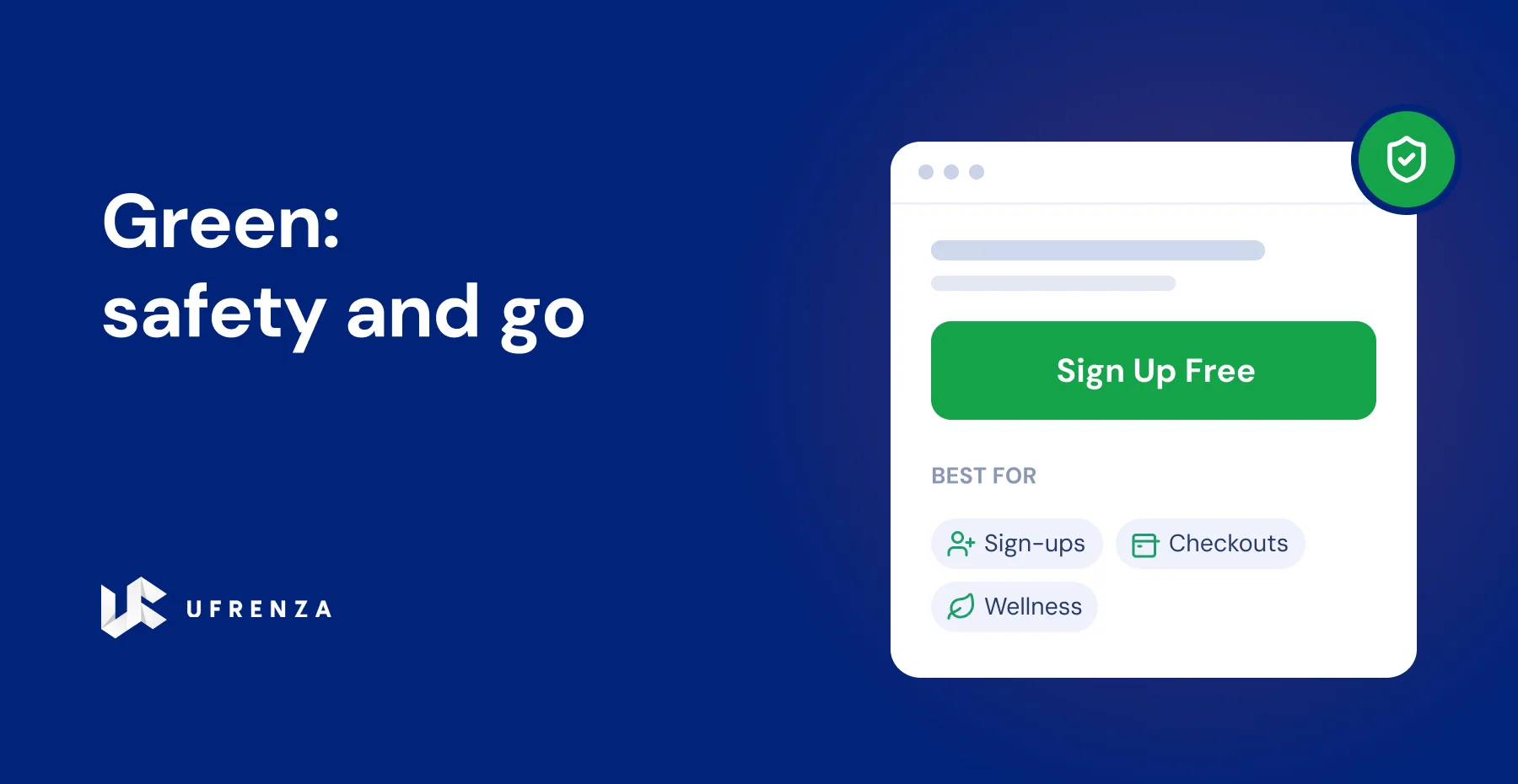
Green: safety and go. Green means “go” and “safe,” thanks to a lifetime of traffic lights. It lowers the fear of clicking, so it fits sign-ups, checkouts, and low-risk actions. It also links to health, nature, and growth, which is why wellness and eco brands lean on it. Just avoid green if your page is already full of green, or the button will get lost.
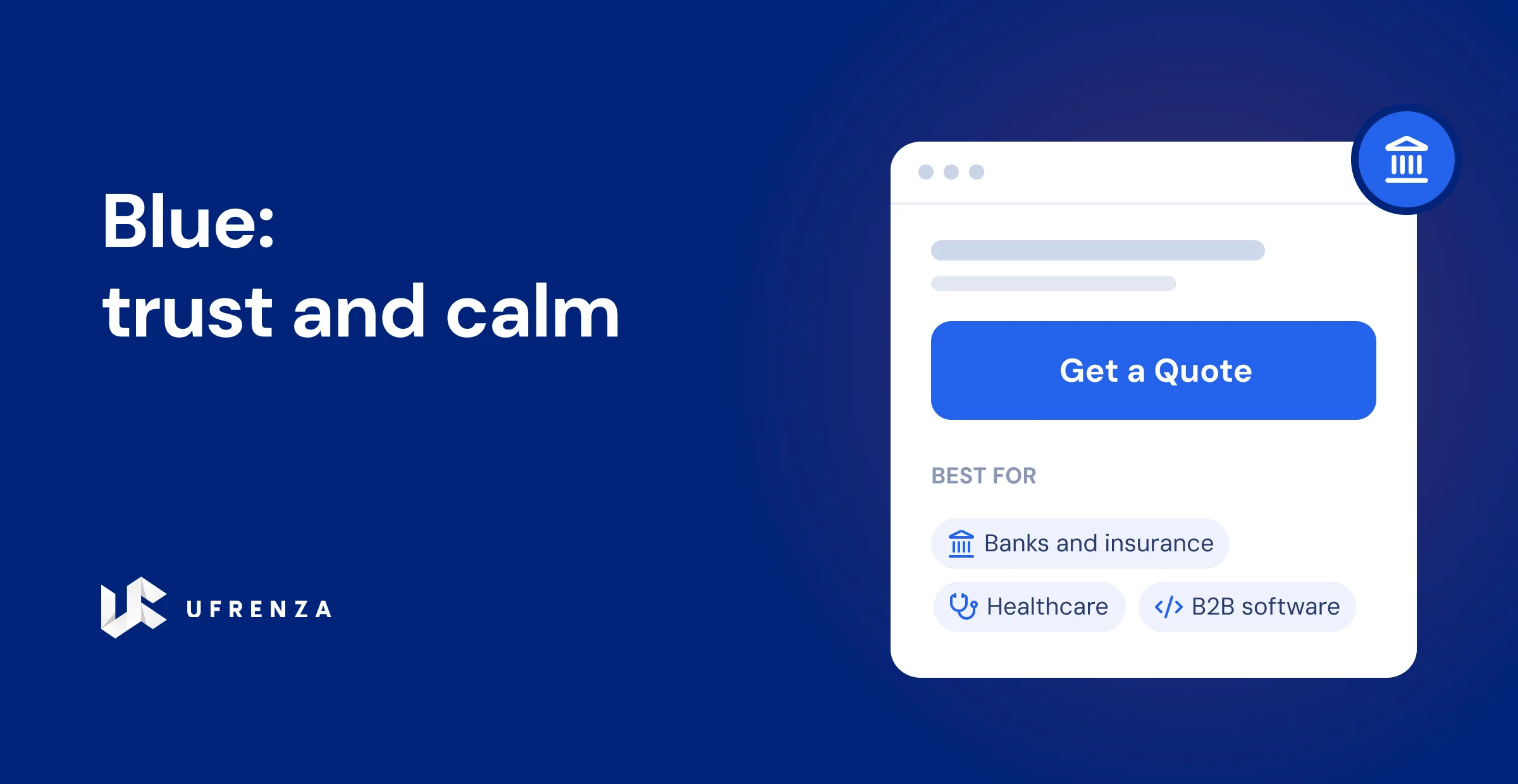
Blue: trust and calm. Blue is one of the world’s most liked colors and signals trust, safety, and reliability. It suits banks, insurance, healthcare, and B2B software, where people need to feel safe before acting. The downside: blue is calm, not urgent, so it is weaker for impulse buys. And on already-blue pages like Facebook or LinkedIn, a blue button vanishes.
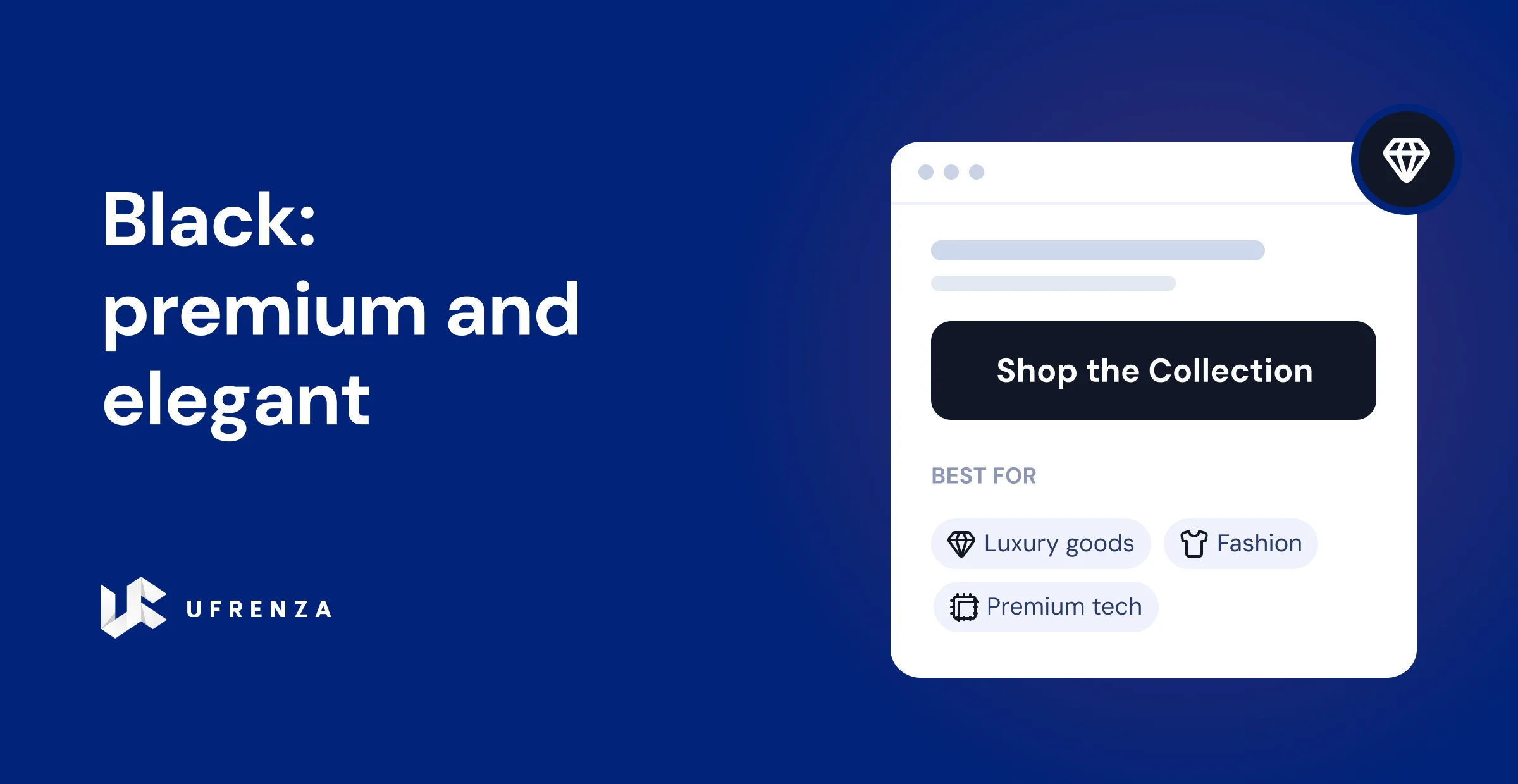
Black: premium and elegant. Black feels high-end, exclusive, and powerful. It works well for luxury, fashion, and premium tech brands, on white or very light pages. Apple and many fashion brands use it. Avoid it on dark pages, where it disappears.
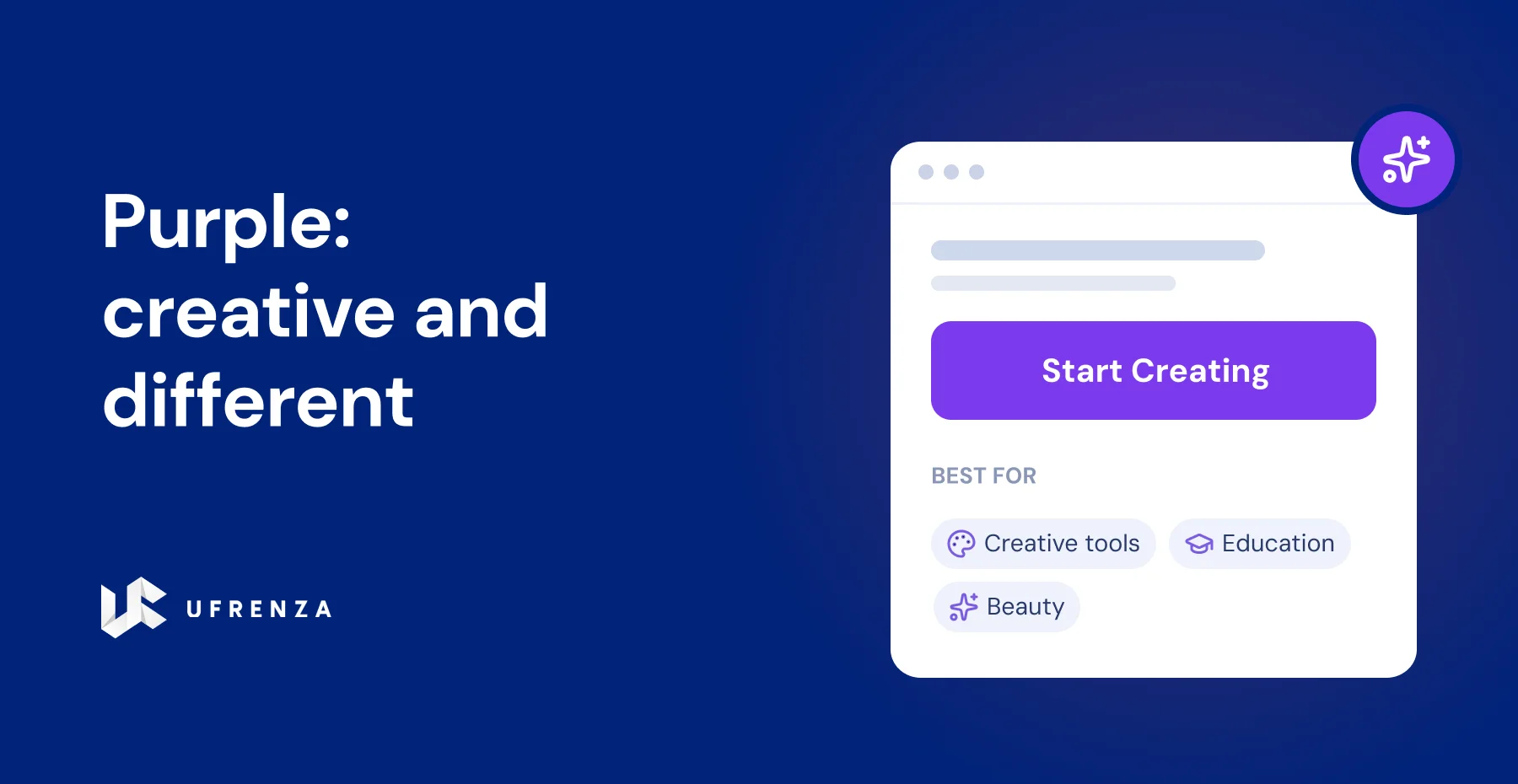
Purple: creative and different. Purple feels creative and premium, and because few CTAs use it, it stands out strongly. It fits creative tools, education, and beauty brands, especially on neutral pages.
Which button color is best for my industry?
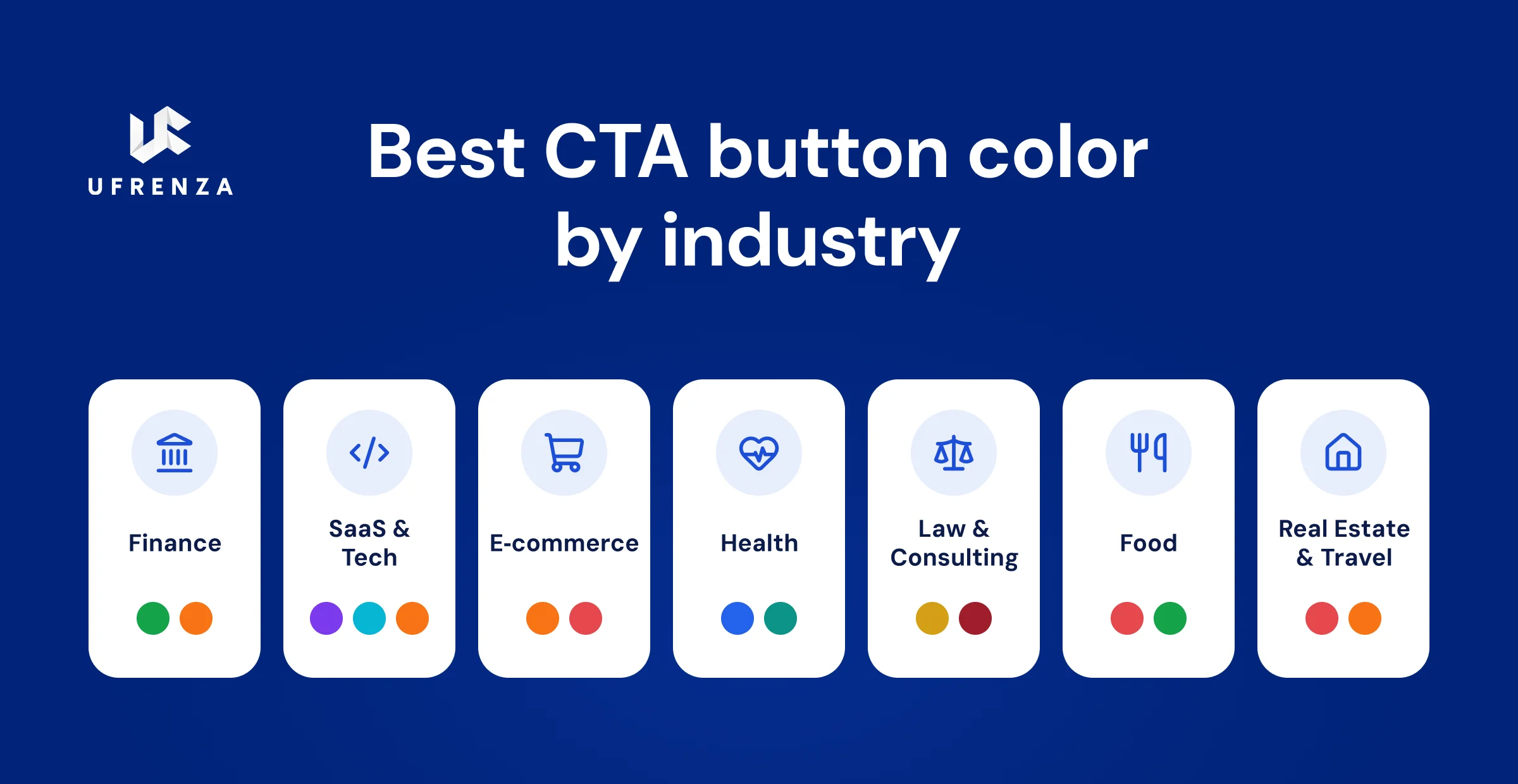
The best button color depends on your industry’s usual palette and the feeling you want. The trick is to pick a color that both fits the feeling and contrasts with your normal page colors. Here is a quick guide:
- Finance and banking: pages are usually blue, so a green or orange button stands out and still feels safe.
- SaaS and tech: pages are often blue or dark, so a bright purple, cyan, or orange button pops.
- E-commerce: orange for “Add to Cart” or red for “Buy Now” both drive action.
- Health and wellness: blue or teal build trust; avoid red (feels like an alarm) and avoid green if the page is already green.
- Law and consulting: gold or dark red signal authority without feeling aggressive. Gold on navy is a classic.
- Food and restaurants: red can stir appetite, while green signals fresh and healthy.
- Real estate and travel: red or orange add urgency, which fits “only 2 left” style messages.
The pattern is pretty clear: a button often performs better when it breaks away from the colors used throughout the rest of the page. That is where contrast comes in. The button is only one piece, though. If you want the whole page pulling its weight, start with what makes a landing page actually work in 2026.
Does button color or button copy matter more?
Button copy usually matters more than button color. This may sound surprising, but there are plenty of tests showing that the words can make a bigger difference. Changing a button’s color often lifts conversions by a small amount, while changing the words on the button can lift them much more.
The best-known example comes from CRO specialist Michael Aagaard at Unbounce. Changing a single word on a button, from “Get your free 30-day trial” to “Get my free 30-day trial,” raised click-through by 90% over a three-week test. No color change comes close to that. That does not mean color is unimportant. It means you should get the copy right first, make the button easy to spot, and then test the color.
A good starting order is: write clear, benefit-led copy, make the button easy to see, and then choose a color that fits the action. Color is the finishing touch, not the foundation. For the fuller version of that priority stack applied to a whole page, see our guide on structuring a long-form landing page for high conversion.
Key Takeaway: Color is worth testing, but copy and contrast move the needle more. “Get My Free Guide” on a plain button beats “Submit” on a perfectly colored one. Start with the words.
How do you A/B test CTA button colors?
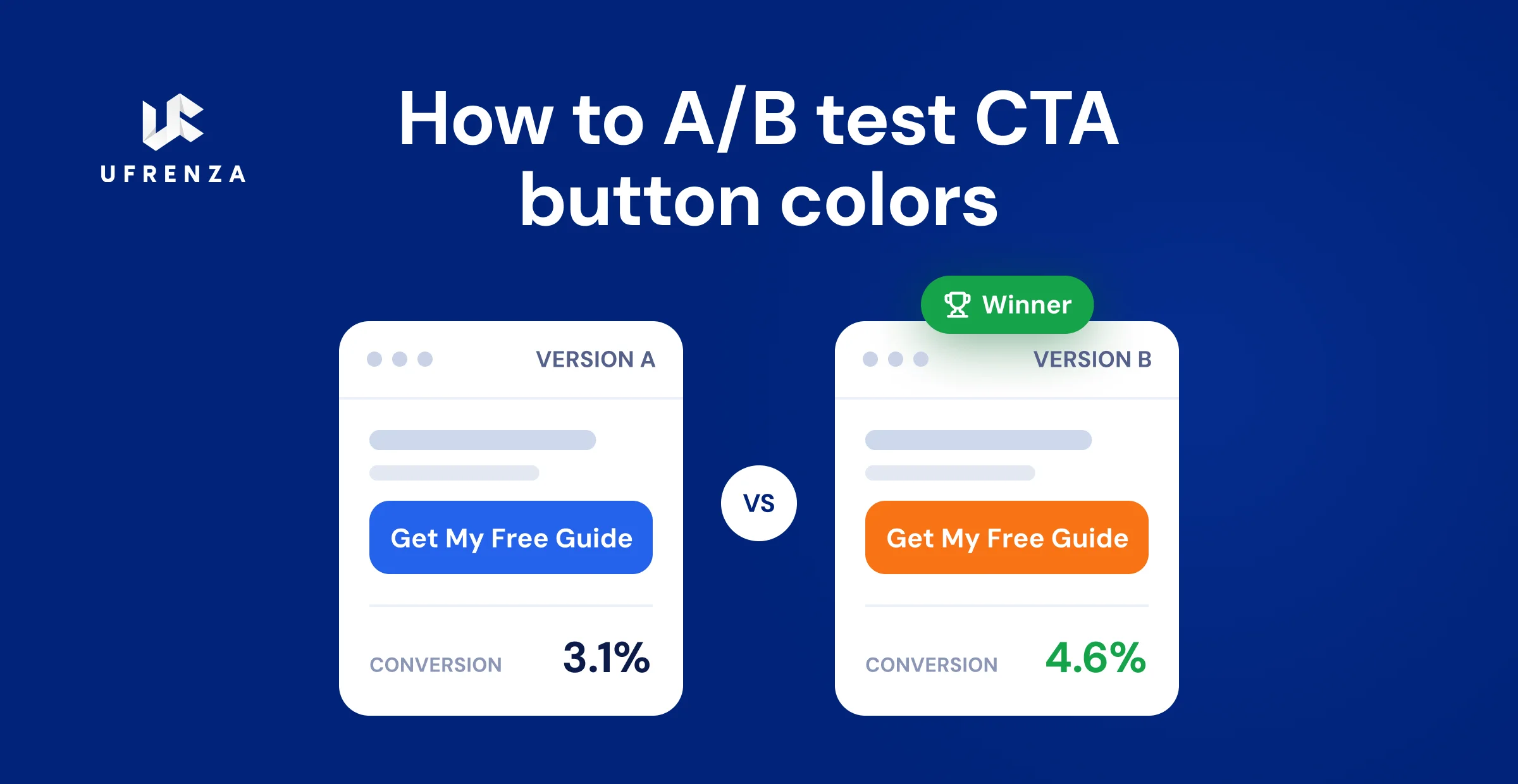
You A/B test button colors by showing two versions of the same page to different visitors, changing only the button color, and measuring which one gets more real conversions. There is no reliable way to know what will work for your audience without testing it.
Follow these steps to test the right way:
- Write a clear guess first. For example: “I think an orange button will beat our blue one, because our page is mostly blue and orange is the opposite color.”
- Change only the color. Keep the same words, size, shape, and spot. If you change two things, you will not know which one caused the result.
- Get enough visitors. Give the test enough traffic and conversions before deciding that one version has won.
- Run it for at least two weeks. A very short test can also give you a misleading result because visitor behavior changes from day to day.
- Measure real conversions, not just clicks. A button can get more clicks but fewer sales if it pulls in curious, low-intent taps.
- Save the result and keep testing. Today’s winner may lose after your next redesign.
In our own work across 1,500+ landing pages, the color swaps that produced the biggest lifts were almost always the ones that increased contrast, not the ones that chased a “psychologically perfect” hue. A smart color change is worth doing. It is just not a magic fix on its own.
Common CTA color mistakes to avoid
Most CTA color mistakes are pretty easy to spot: the button either blends into the page or makes the action unclear. Here are a few problems to look out for (and see our full list of landing page do’s and don’ts for the wider set):
- Button the same color as your brand. If your whole page is blue and your button is blue, it hides. The button must break the pattern.
- Too many buttons with the same weight. If three buttons look equally bold, people freeze. Use one strong primary button and quieter secondary ones.
- Light button with white text. A pale button with white text is hard to read. Light button, dark text.
- No hover change. A button that does not change when you hover feels broken. Use a slightly darker shade on hover.
- Ignoring color blindness. Around 1 in 12 men (about 8%) have some form of red-green color blindness, per the National Eye Institute. Do not rely on red-vs-green alone. Add contrast in brightness too.
- Not testing on mobile. Buttons look smaller and sit in a different layout on phones. A button that pops on desktop can vanish on mobile.
- Overusing gradients. Flat, solid-color buttons tend to load faster, render cleanly on every device, and give sharper contrast than heavy gradient buttons.
CTA button color FAQs
There is no single best color. The best CTA button color is the one that contrasts most with your page and matches the feeling of the action. Red suits urgency, green suits safe actions, blue suits trust, and orange suits friendly action. Contrast decides the click; color sets the mood.
Yes, but less than people think. A color change usually gives a small lift, while contrast, button copy, and placement give bigger ones.
Because a button only works if people see it first. The Von Restorff effect shows that the most different-looking element gets noticed and clicked. A high-contrast button of any color beats a low-contrast "ideal" color that blends in.
Orange or yellow usually work best on a blue website, because they sit opposite blue on the color wheel and create the strongest contrast. A blue button on a blue page tends to get ignored.
Neither is always better. Red often wins for urgency and impulse actions; green often wins for safe, low-risk actions. In real tests, the winner is usually just the color that stands out more against that specific page.
Use both. Color psychology gives you a smart first guess for the feeling you want. A/B testing proves whether that guess works for your real audience. Start with psychology, then let the data decide.
Not usually. Flat, solid-color buttons load faster, render cleanly on all devices, and give clearer contrast. Extreme gradients can also make button text hard to read in the spot where the light and dark parts meet.
Conclusion
The goal of CTA button color psychology is not to find a universal winning color, but to make a strategic choice and validate it with your audience.
CTA button color psychology is real, but it is only half the story. Color sets the mood: red for urgency, green for safety, blue for trust, orange for friendly action. What actually earns the click is contrast. The button that stands out most from the page almost always wins, no matter which color it is.
So use this simple order. Write clear, benefit-led button copy first. Make the button high-contrast, and check it with a grayscale test. Then pick the color shade that matches the feeling of the action. Finally, test it, because your audience is the only judge that counts. Get those steps right, and your button will not just look good. It will convert.
Want Higher-Converting CTAs on Your Pages?
Ufrenza is a landing page and web design agency focused on one thing: pages that convert. We have built over 1,500 landing pages and generated more than 10,000 leads for clients worldwide. Whether you need a new page or want your current CTAs tested and improved, we can help.
Get My Free CTA Teardown →
ABOUT THE AUTHOR

Sheikh Zaid Nazir
Zaid Nazir is the founder and head of Ufrenza, a leading digital marketing and web design agency. With over a decade of experience in the industry, Zaid has driven the success and innovation at Ufrenza, guiding the team to create numerous impactful landing pages and generating over 10,000+ leads for clients worldwide.


 Read Time: 1 min