Updated: October 14, 2026
MAIN TOPIC
- What "Landing Page Trend" Actually Means
- Trend 1: Show a Real Result in Your Headline
- Trend 2: Focused Pages Win in Paid Campaigns
- Trend 3: Trust Badges at the Top, Not the Bottom
- Trend 4: Remove Form Fields to Get More Leads
- Trend 5: Your Ad and Your Page Must Say the Same Thing
- Trend 6: Design for Mobile First
- Trend 7: A Faster Page Costs Less on Google Ads
- Trend 8: Industry-Specific Landing Pages Outperform Generic Ones
- What We Tested That Did NOT Work
- How Ufrenza Works
We’ve built more than 1,500 landing pages for fintech apps, insurance providers, law firms, SaaS companies, roofing contractors, and dozens of other industries.
After analyzing thousands of tests, one thing became clear: regardless of the industry, the same core principles consistently drive higher conversions.
In this article, we’ll break down the 8 landing page trends delivering the biggest results in 2026. For each trend, we’ll show a real client example, what the page looked like before, the changes we made, and the impact those changes had on performance.
No theory. No recycled advice. Just proven strategies backed by real campaign data.
Most articles about landing page trends are written by people who study landing pages. This one is written by a team that builds and optimizes them every day.
Every trend featured below is supported by real-world results, including lessons from successful campaigns and common industry recommendations that simply didn’t work.
What "Landing Page Trend" Actually Means
When most people think about landing page trends, they think about design styles, gradients, animations, AI-generated visuals, or the latest UI pattern.
That’s not how we define trends.
At Ufrenza, a trend only matters if it improves a business metric. If a change increases conversion rate, lowers cost per lead, improves lead quality, or generates more revenue, it’s worth paying attention to. If it simply looks modern, it isn’t.
Working across 60+ industries gives us something most agencies never see: pattern recognition at scale.
The same trust-building frameworks that improve conversions for SaaS companies often work for insurance providers. The same messaging principles that increase lead generation for legal services frequently improve performance for home service businesses.
The trends below aren’t predictions. They’re patterns we’ve repeatedly seen produce results across hundreds of campaigns.
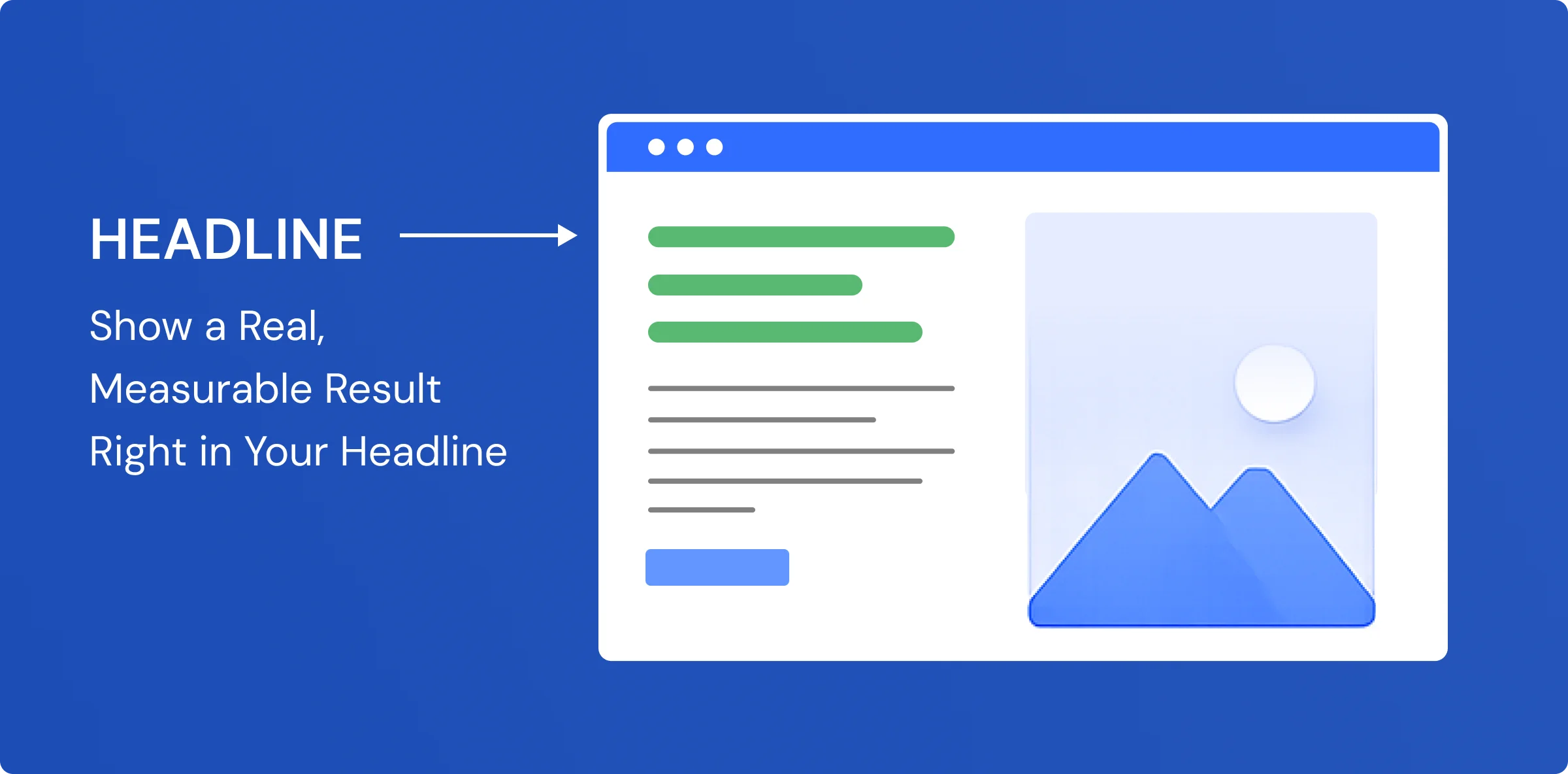
Trend 1: Show a Real Result in Your Headline
Why It Matters
Most landing page headlines sound like this:
“We help you grow your business.” “Scale with better marketing.” “The platform is built for results.”
People have seen these thousands of times. Their brain skips right past them.
In 2026, generic taglines no longer earn attention, especially from paid traffic that arrives with high intent and low patience.
Real Client Example
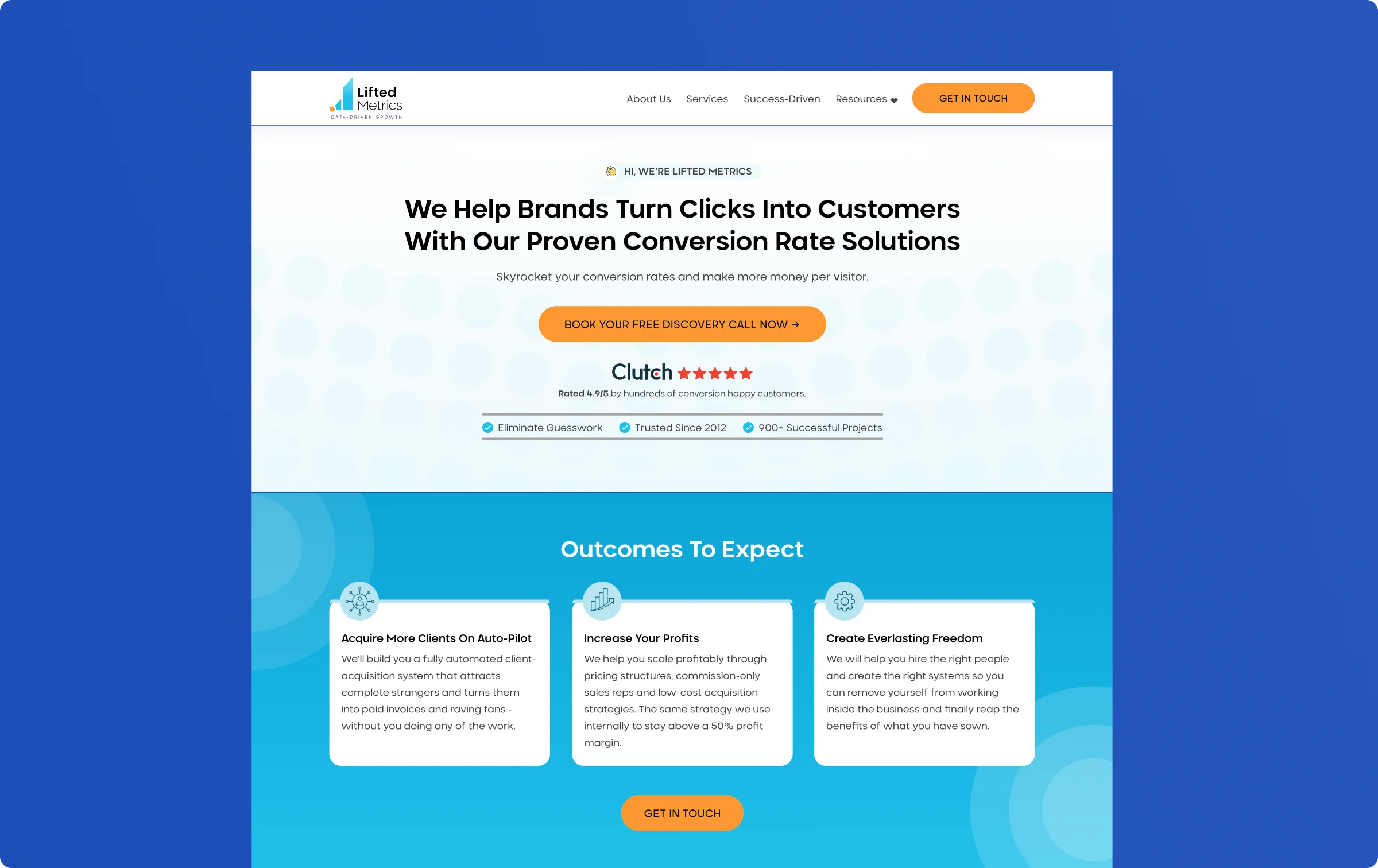
Lifted Metrics is a UK-based agency that helps businesses get more leads from Google Ads. When they came to us, their hero headline said:
“Scale Your Business With Performance Marketing.”
Clean. Professional. And completely forgettable.
We replaced it with a headline built around a specific result they had achieved for a client, a real number, a real outcome.
- What happened: Their conversion rate went from 8% to 15%. Same traffic. Same ads. Just a different headline. Cost-per-lead dropped by 43.3%
Why It Works
A tagline makes a promise. A specific number provides evidence.
When visitors arrive from paid ads, they’re naturally skeptical. They’ve seen hundreds of businesses claim to be the best or most effective. A real result cuts through that skepticism because it feels tangible and verifiable.
Compare the difference:
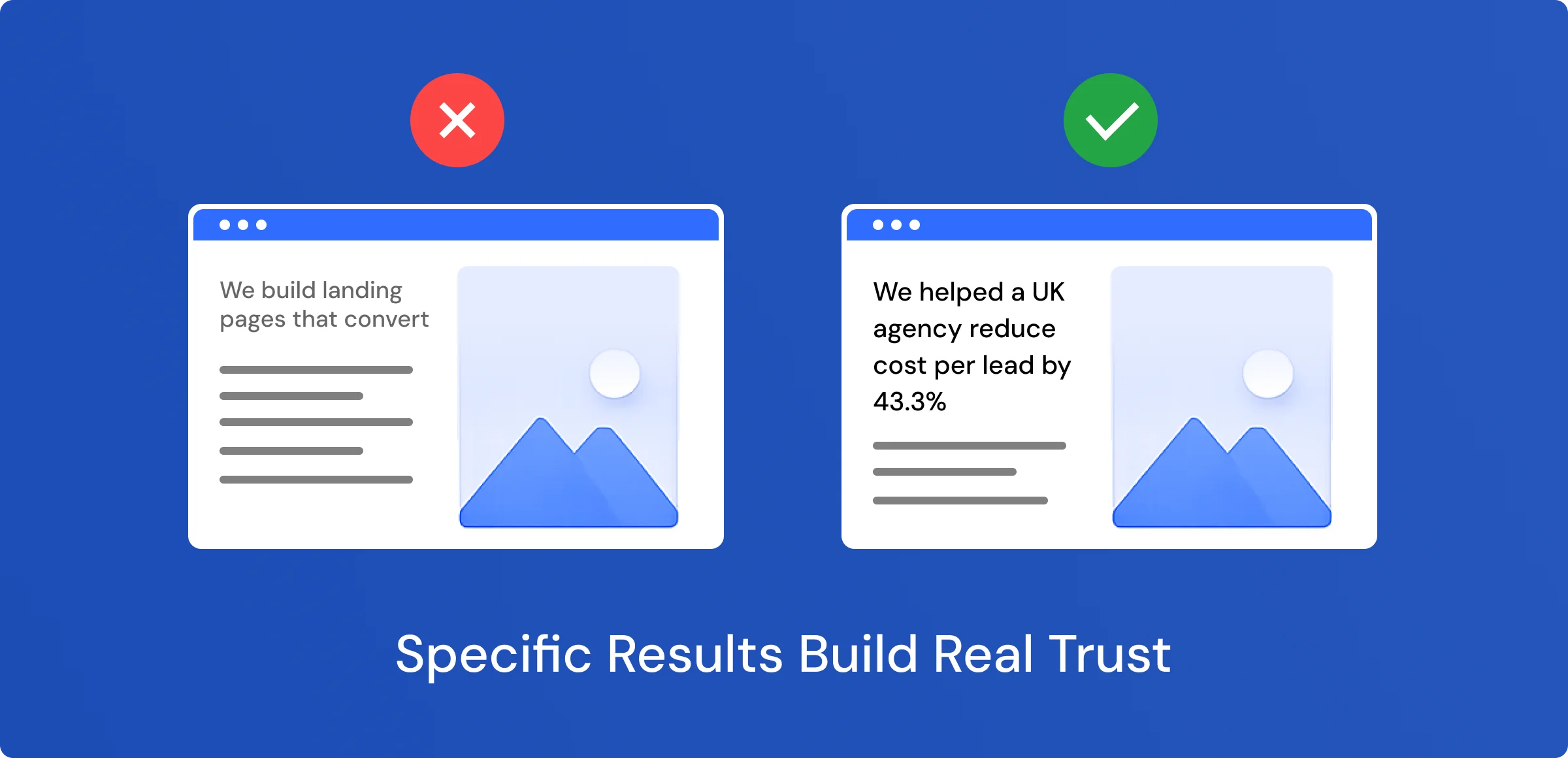
The second statement immediately answers the visitor’s unspoken question: “Has this worked for someone like me?”
What to Do
Review your best client outcomes and find your strongest result. Look for:
- Percentage increases in leads or sales
- Cost-per-lead reductions
- Revenue growth or ROI improvements
Then test leading with that result in your hero headline instead of a generic claim. In our experience, visitors respond to proof far more than promises.
Trend 2: Focused Pages Win in Paid Campaigns
Why It Matters
Your homepage is designed to explain everything about your business, which is fine for organic visitors who are browsing and researching.
Paid traffic behaves differently.
When someone clicks an ad, they’re looking for one specific solution. If the page shows multiple offers, a navigation menu, and three different buttons going to different places, visitors get confused. Confused visitors leave.
Real Client Example
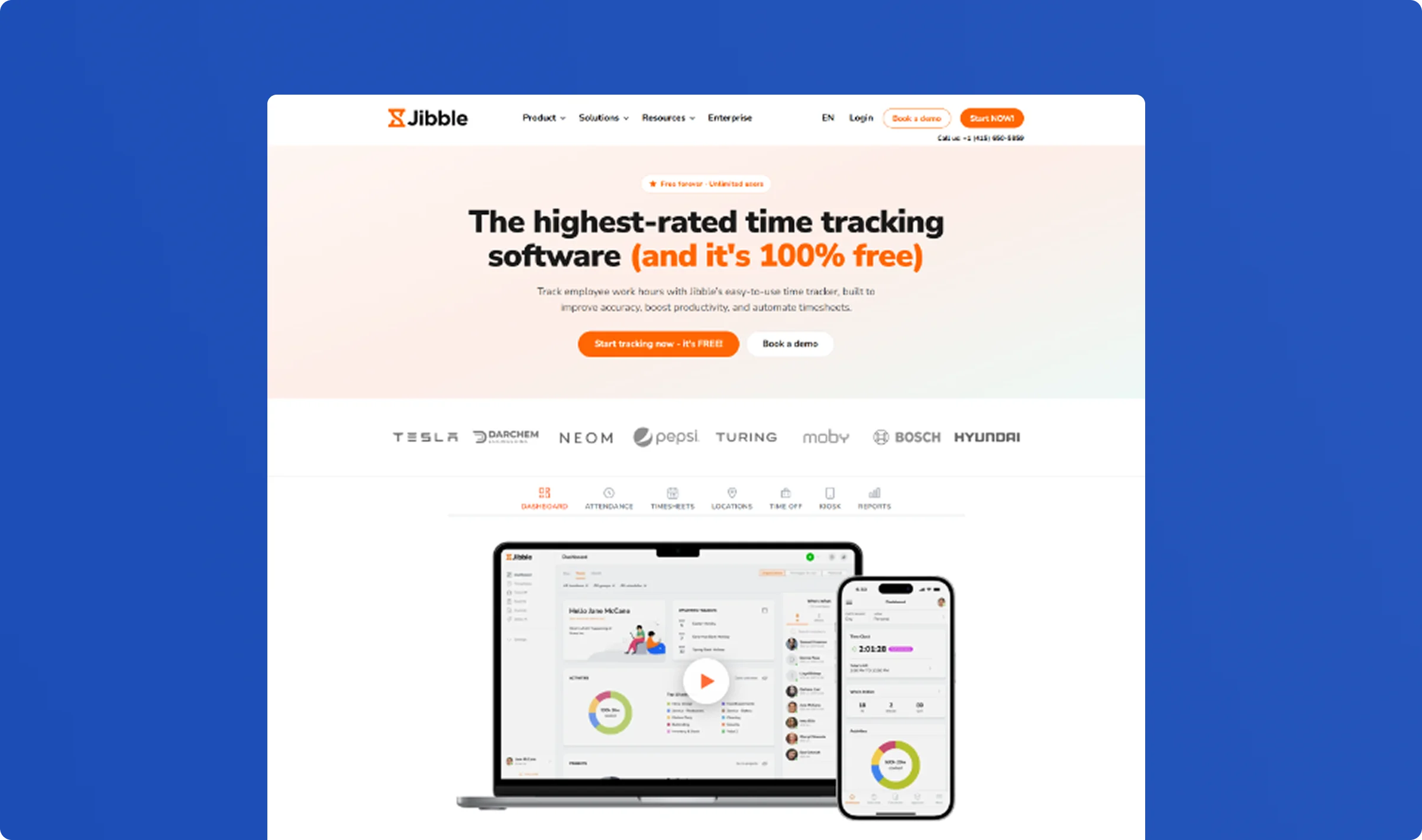
For clients like Jibble (a SaaS time-tracking tool), we built dedicated campaign landing pages focused on a single audience, a single offer, and a single conversion goal.
Instead of sending paid traffic to a general website page, every campaign directed visitors to a page designed specifically for that one offer. Navigation removed. Competing CTAs removed. One message, one action.
Why It Works
Focused landing pages reduce decision fatigue.
Instead of evaluating multiple services, visitors are guided toward one clear action. Every element on the page supports the same goal, making it easier to convert. The fewer choices a visitor has to make, the more likely they are to make the one you want.
Across our portfolio, focused pages consistently convert at 3–5× the rate of homepages on the same paid traffic.
What to Do
Remove anything that pulls visitors away from the primary conversion action:
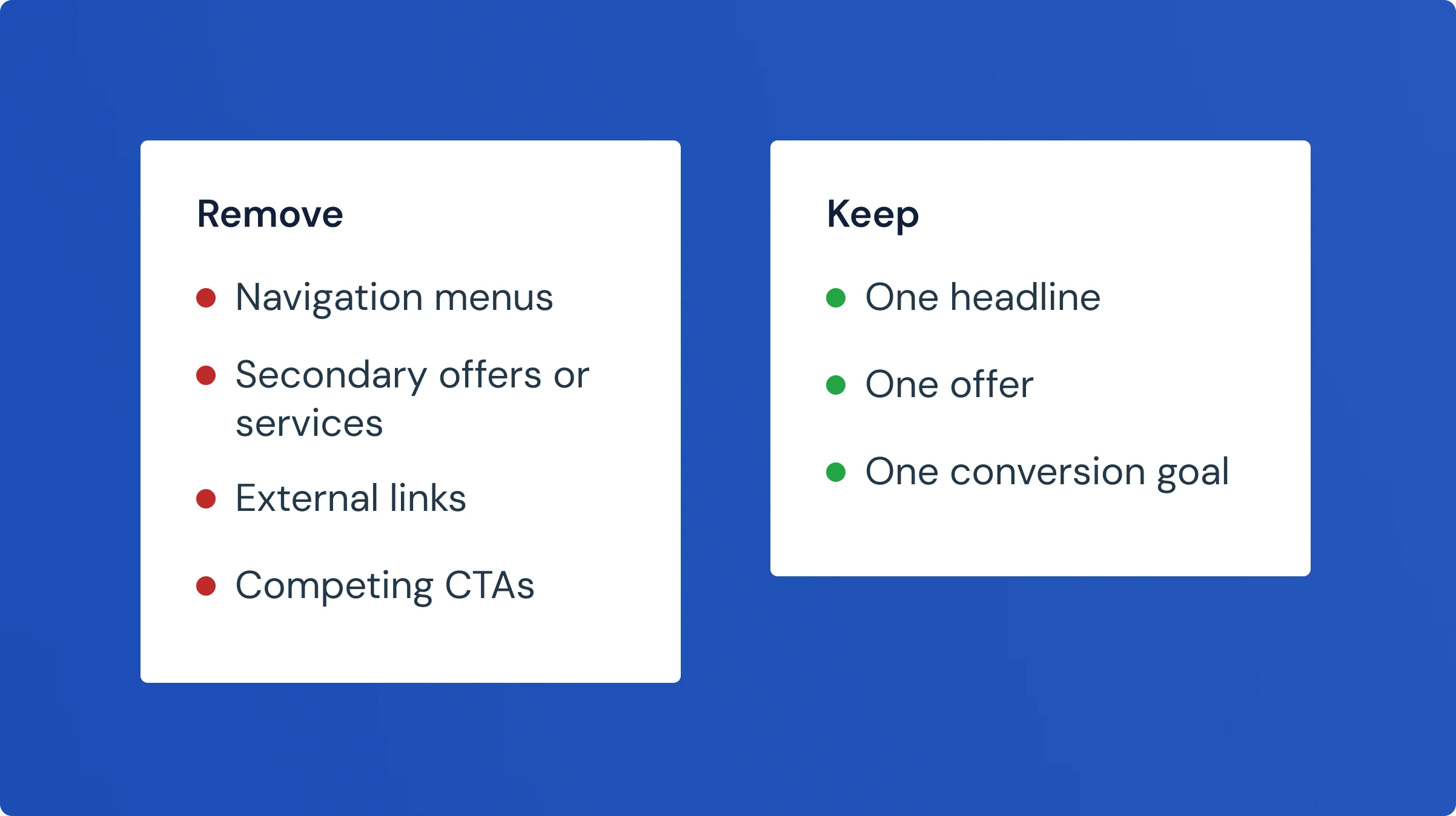
A landing page should answer one question and drive one action.
Trend 3: Trust Badges at the Top, Not the Bottom
Why It Matters
Most landing pages put their testimonials, star ratings, and client logos at the bottom, after all the features and copy.
That’s the wrong place.
When someone clicks an ad and lands on your page, their first question isn’t “what do you offer?” It’s “Can I trust these people?” If you make them scroll through your features before they find any proof, many of them leave before they ever get there.
Real Client Example
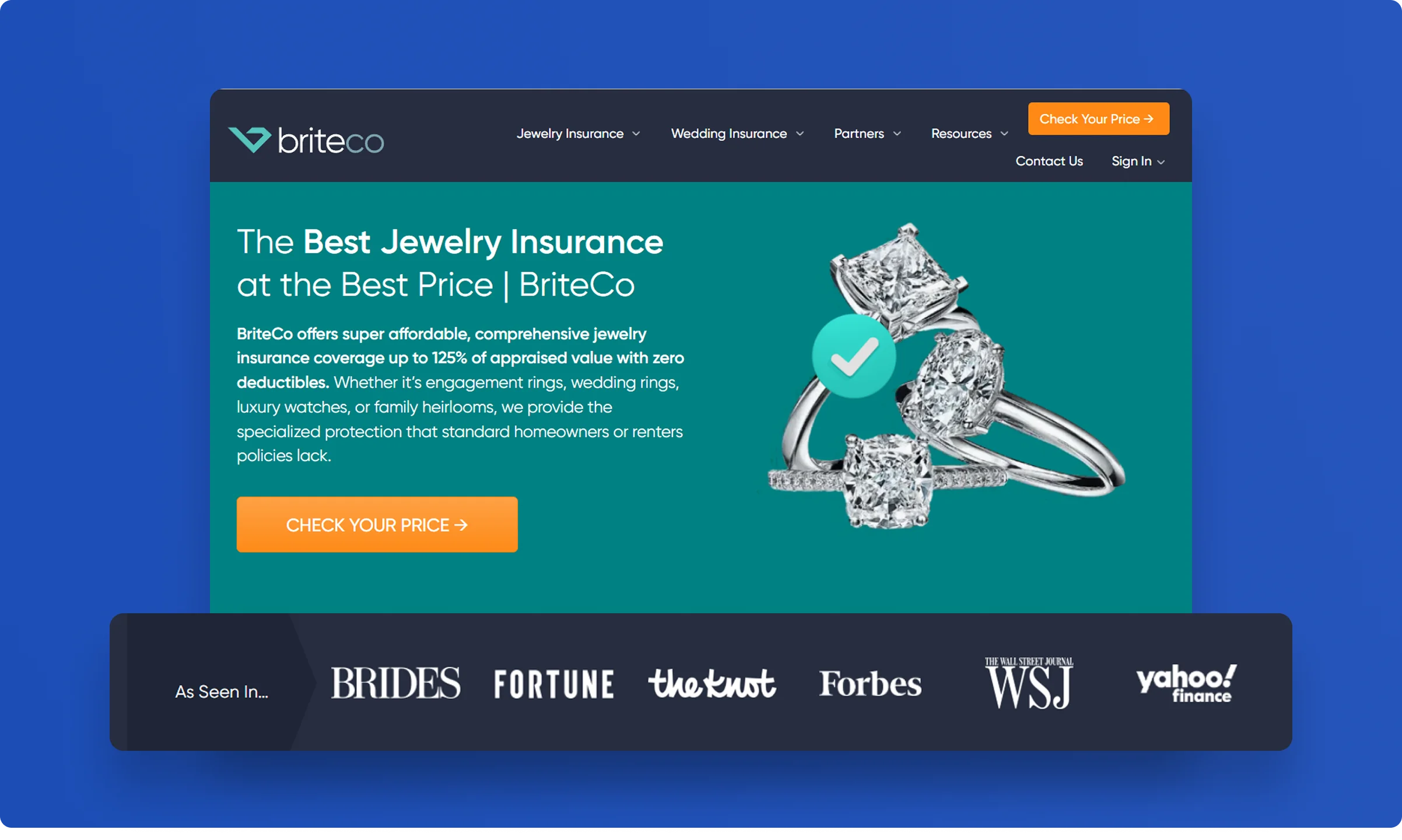
Clients like BriteCo carry strong third-party credibility. When their logos appear in the hero section, before any feature copy, they immediately answer the trust question for new visitors.
Trust signals work best when they’re impossible to miss, not when a visitor has to go looking for them.
Why It Works
People decide whether to trust a page within the first few seconds. If trust signals are buried below the fold, that decision is often already made, and not in your favour.
Placing proof at the top of the page answers the most important question first. Once trust is established, visitors are far more receptive to reading about your offer, your process, and your pricing.
What to Do
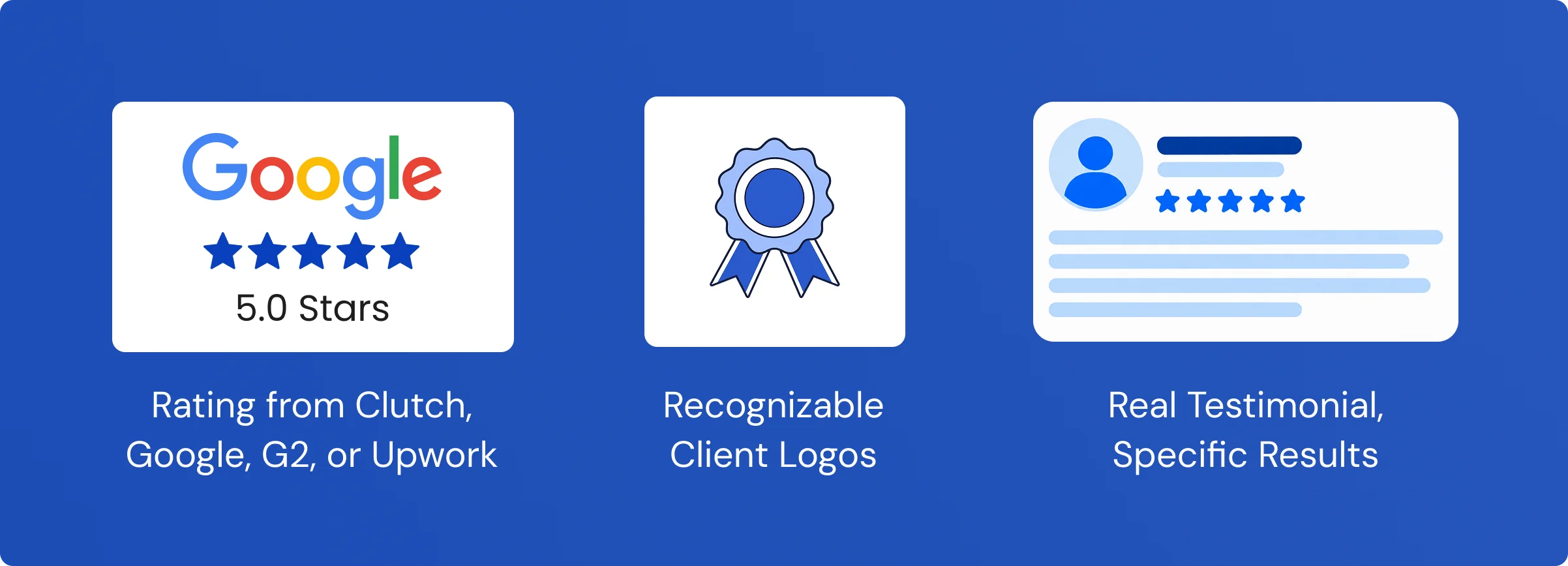
Move your three strongest trust signals directly below your headline.
- A star rating from Clutch, Google, G2, or Upwork
- Logos from recognizable clients
- One testimonial with a real name, title, company, and specific result
That’s it. Top of page, before any features.
Trend 4: Remove Form Fields to Get More Leads
Why It Matters
Most lead generation forms ask for too much information before the visitor has decided whether they trust you:
- Full Name
- Company Name
- Email Address
- Phone Number
- Budget
- Project Details
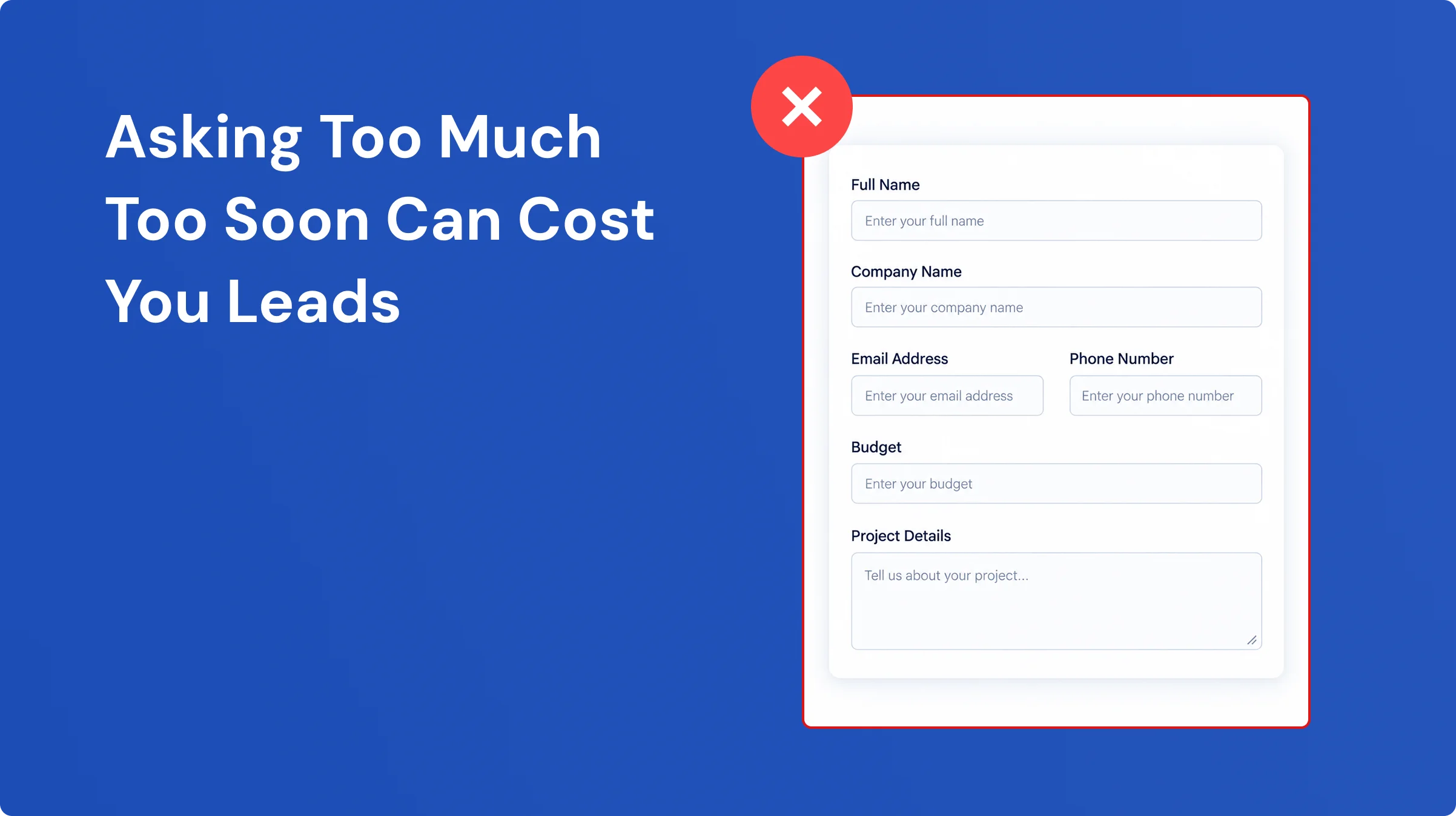
That’s six questions upfront. Most visitors aren’t ready to give you all of that on a first visit. So they leave.
Real Client Example
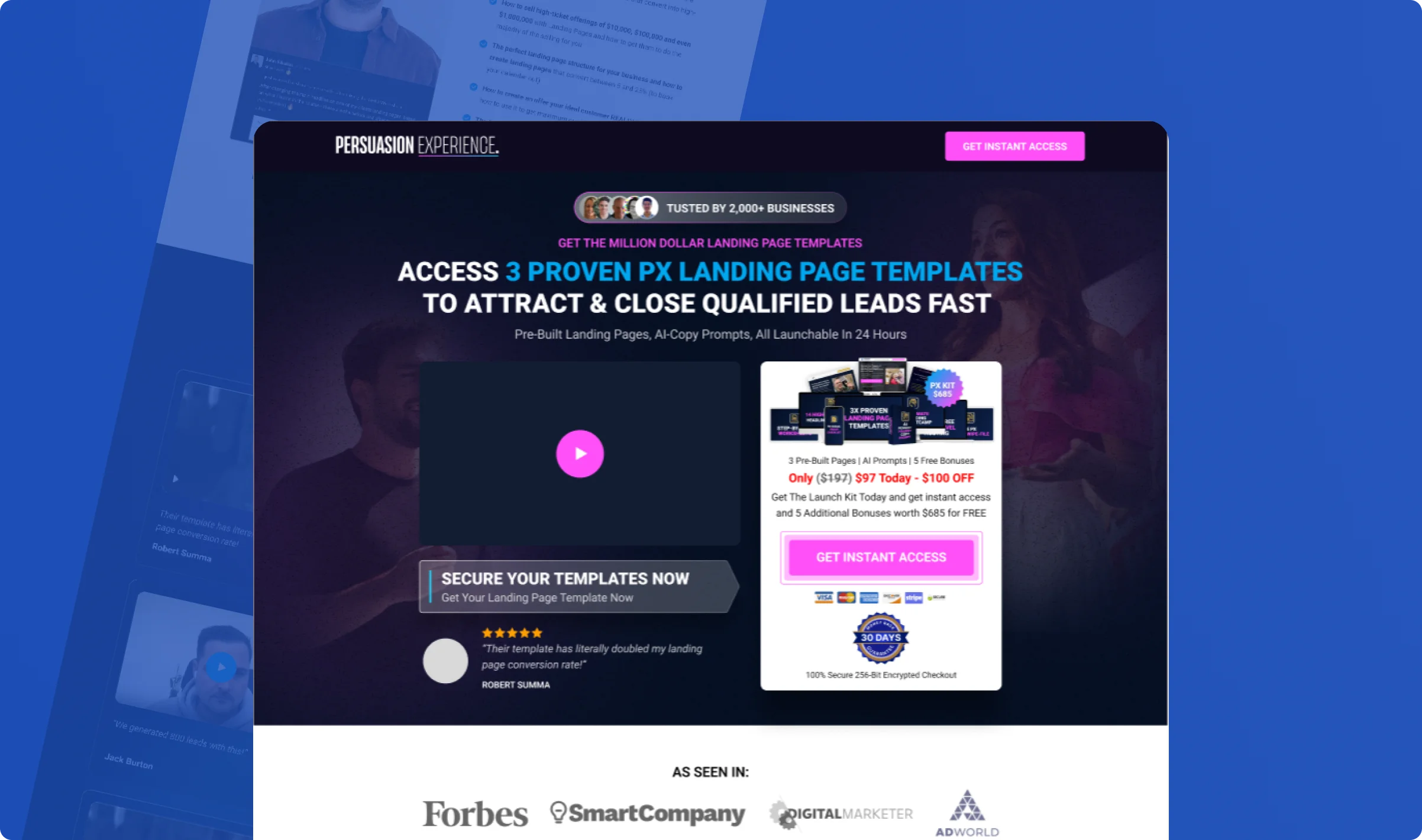
Clients like Persuasion Experience (a conversion rate agency) use streamlined 2-field lead capture on their landing pages: name and email only.
The result: more people start the process, and the quality of leads stays the same. The long form wasn’t qualifying better leads. It was just creating friction that drove people away before they converted.
Why It Works
People decide whether to trust a page within the first few seconds. If trust signals are buried below the fold, that decision is often already made, and not in your favour.
Placing proof at the top of the page answers the most important question first. Once trust is established, visitors are far more receptive to reading about your offer, your process, and your pricing.
What to Do
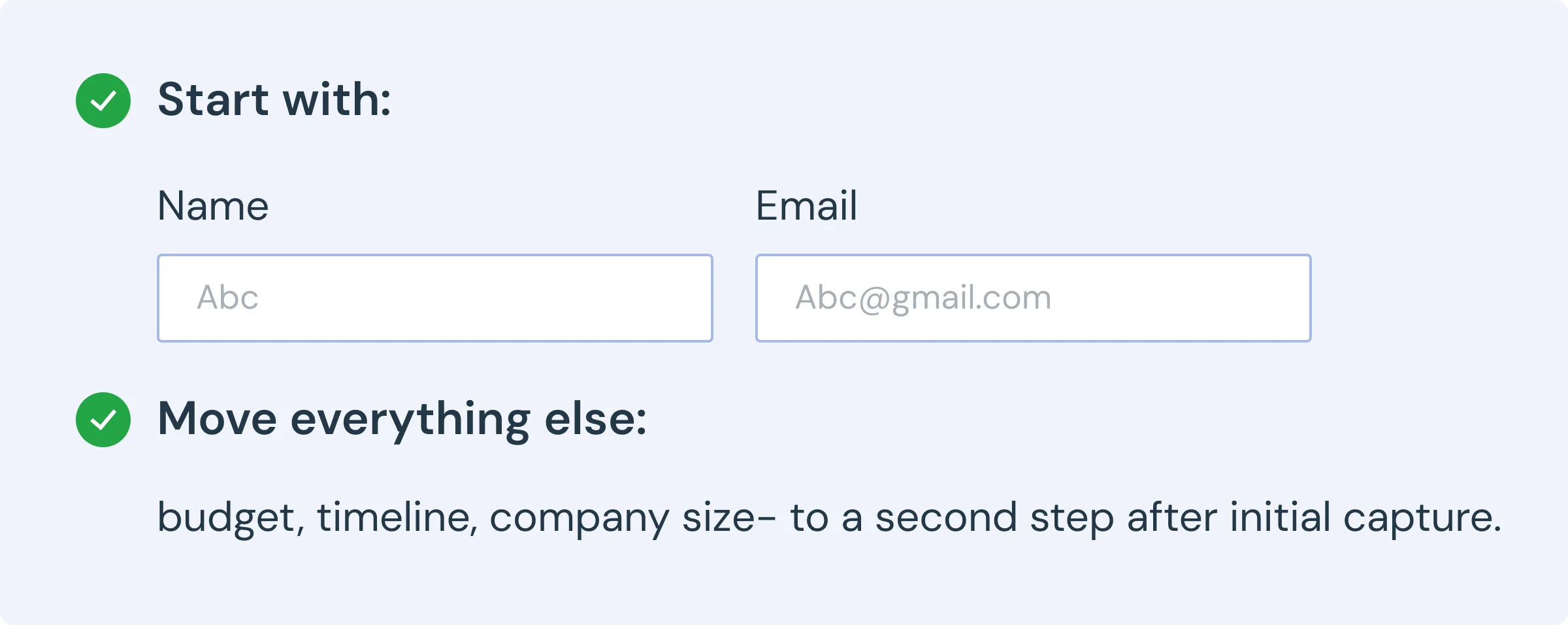
Count the fields on your current form. If there are more than three, remove them.
Trend 5: Your Ad and Your Page Must Say the Same Thing
Why It Matters
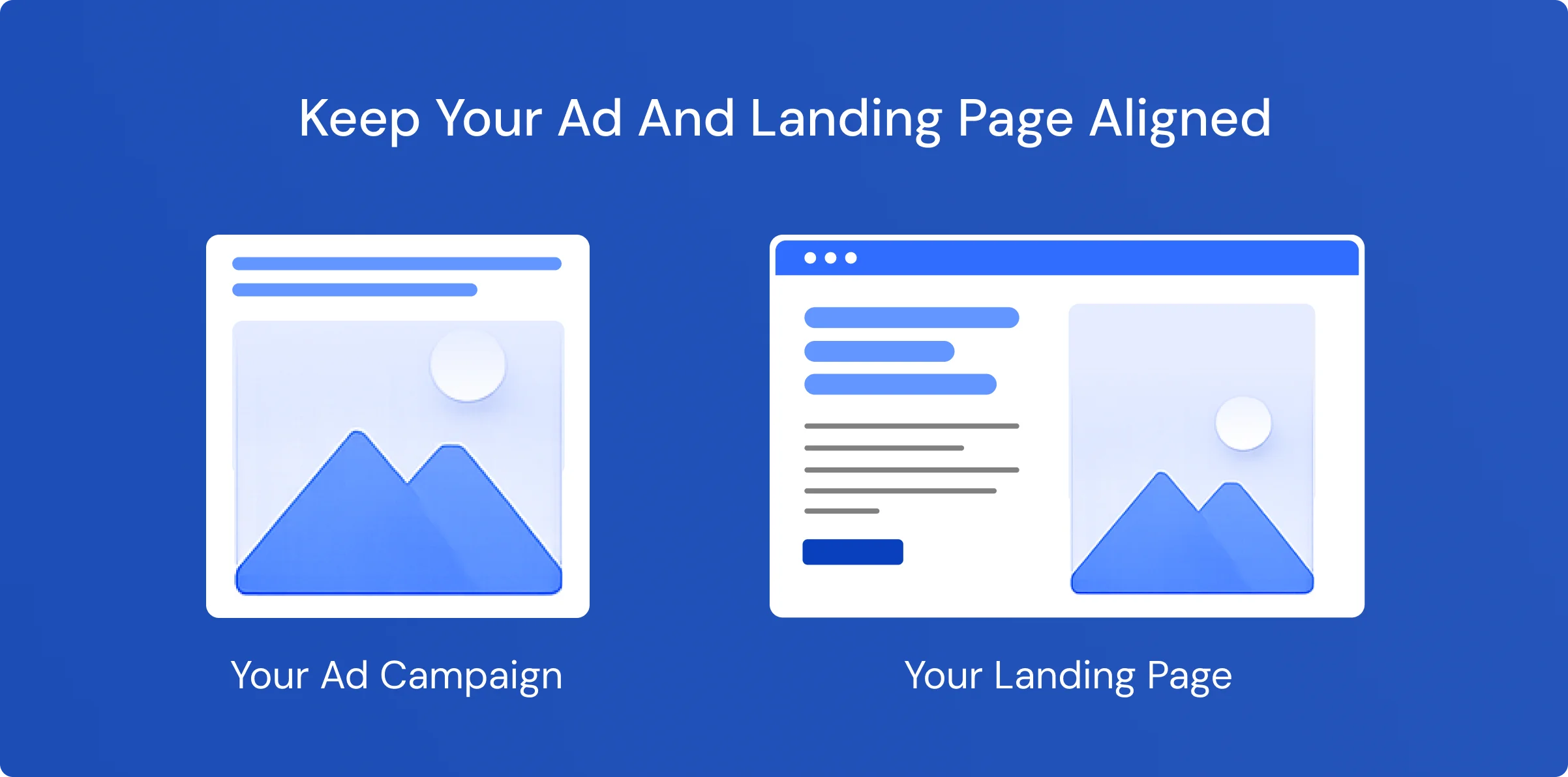
Imagine you see an ad that says:
“Free Landing Page Audit for SaaS Companies”
You click it. You land on a page that says:
“We Build Landing Pages That Convert.”
You’re confused. Is this the right page? You leave.
That’s a message mismatch, and it’s the most common cause of wasted ad spend in every campaign audit we run.
Real Client Example
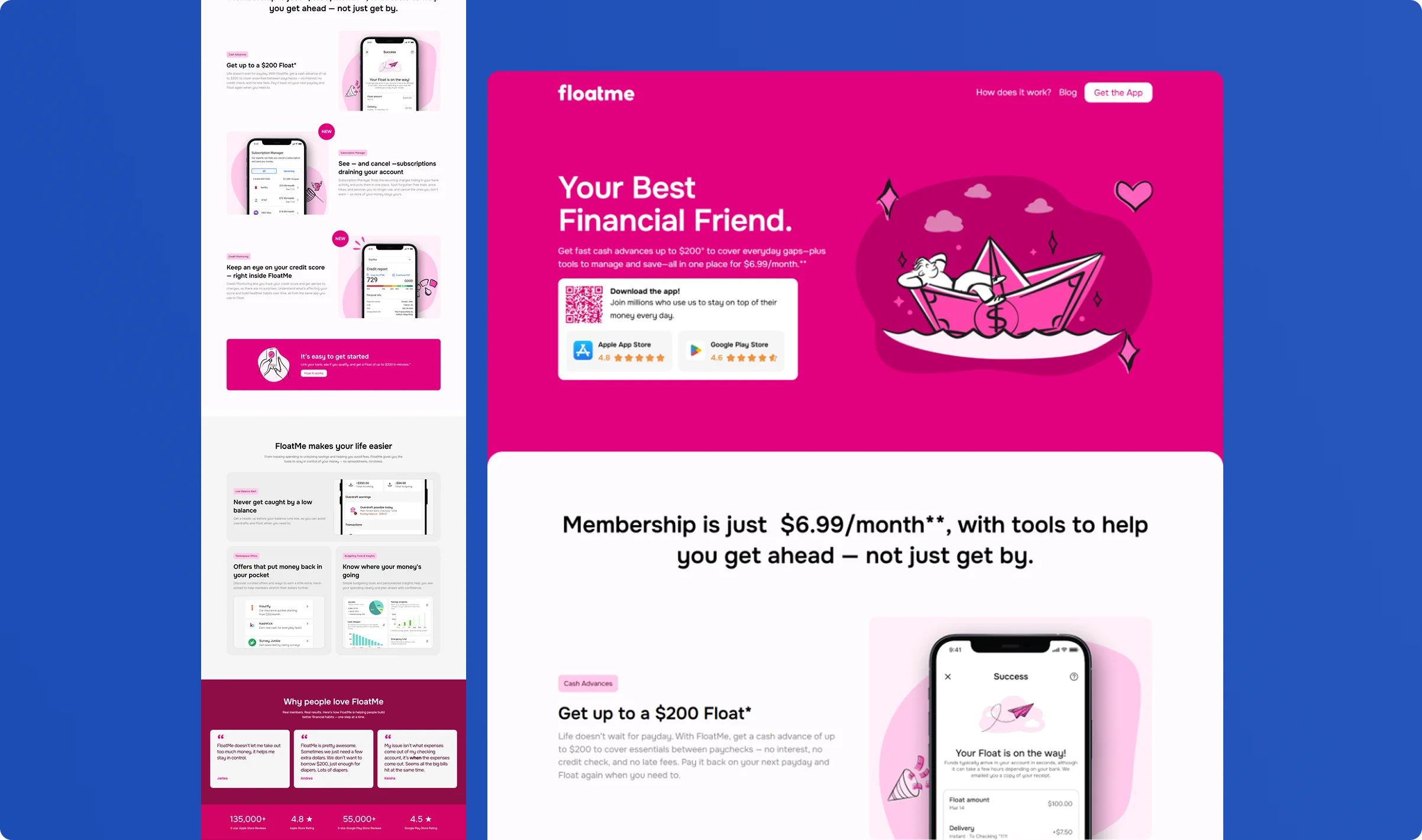
FloatMe (a fintech app) had campaign-specific landing pages built to match the exact language of each ad group.
Instead of one general page serving all campaigns, each ad group directed traffic to a page that spoke the precise language of that ad: the same headline, the same offer, the same audience.
The result: visitors landed on a page that felt like the natural continuation of what they clicked on, not a detour.
Why It Works
When the ad and the landing page say the same thing, the visitor feels like they’re in the right place. When they don’t match, the visitor questions whether they clicked the right link and often leaves to search again.
Message match removes that friction. It confirms to the visitor, within the first second, that they’ve arrived at exactly the right page.
What to Do
Read your ad headline. Now read your landing page headline.
Are they saying the same thing?
If not, create a separate landing page for each major ad group, one that mirrors the headline, offer, and audience of the ad that sends traffic to it.
Trend 6: Design for Mobile First
Why It Matters
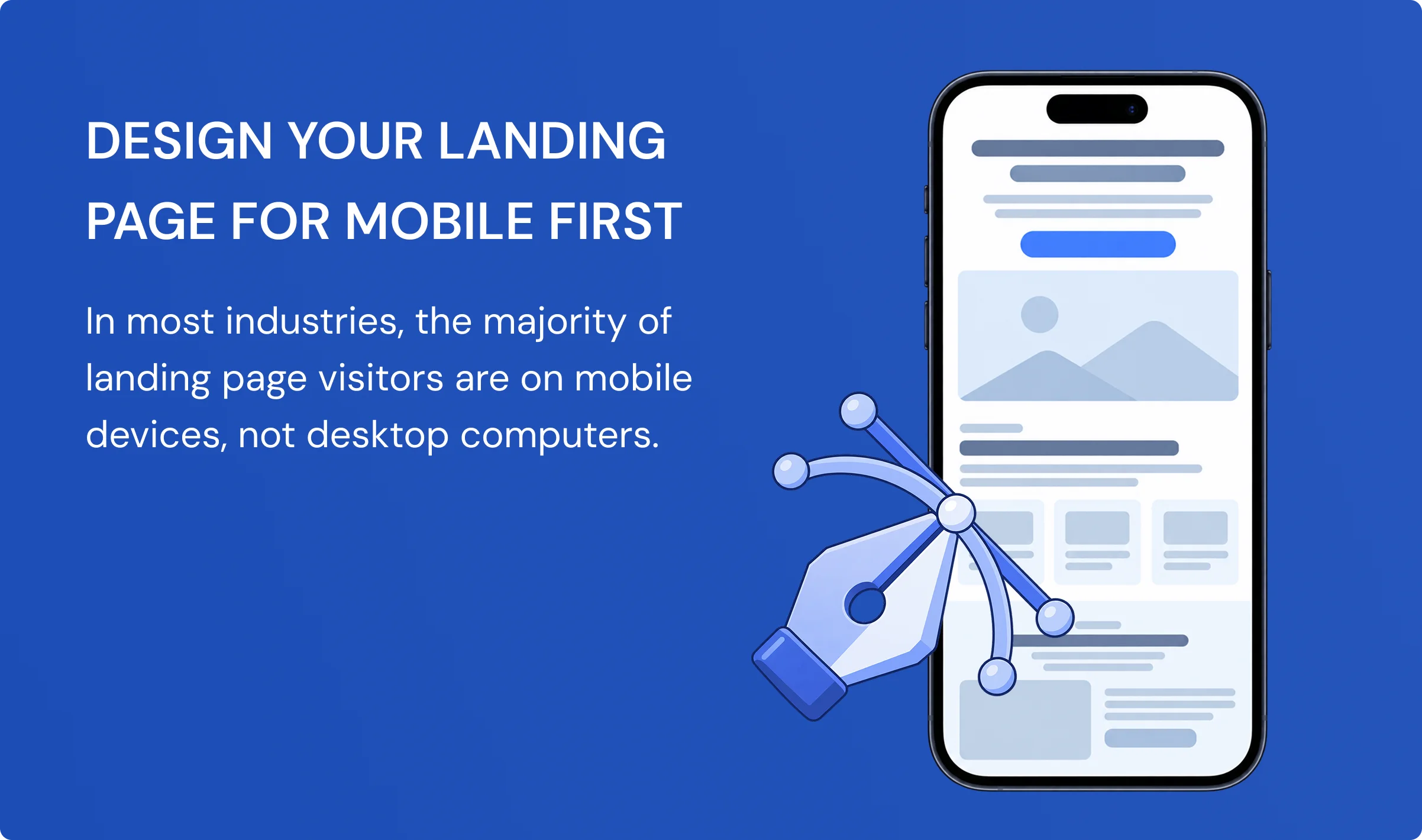
In most industries, the majority of landing page visitors are on mobile devices, not desktop computers.
For local services (roofing, plumbing, HVAC, cleaning), healthcare, and anything driven by social media traffic, mobile isn’t a secondary consideration. It’s the primary one.
Real Client Example
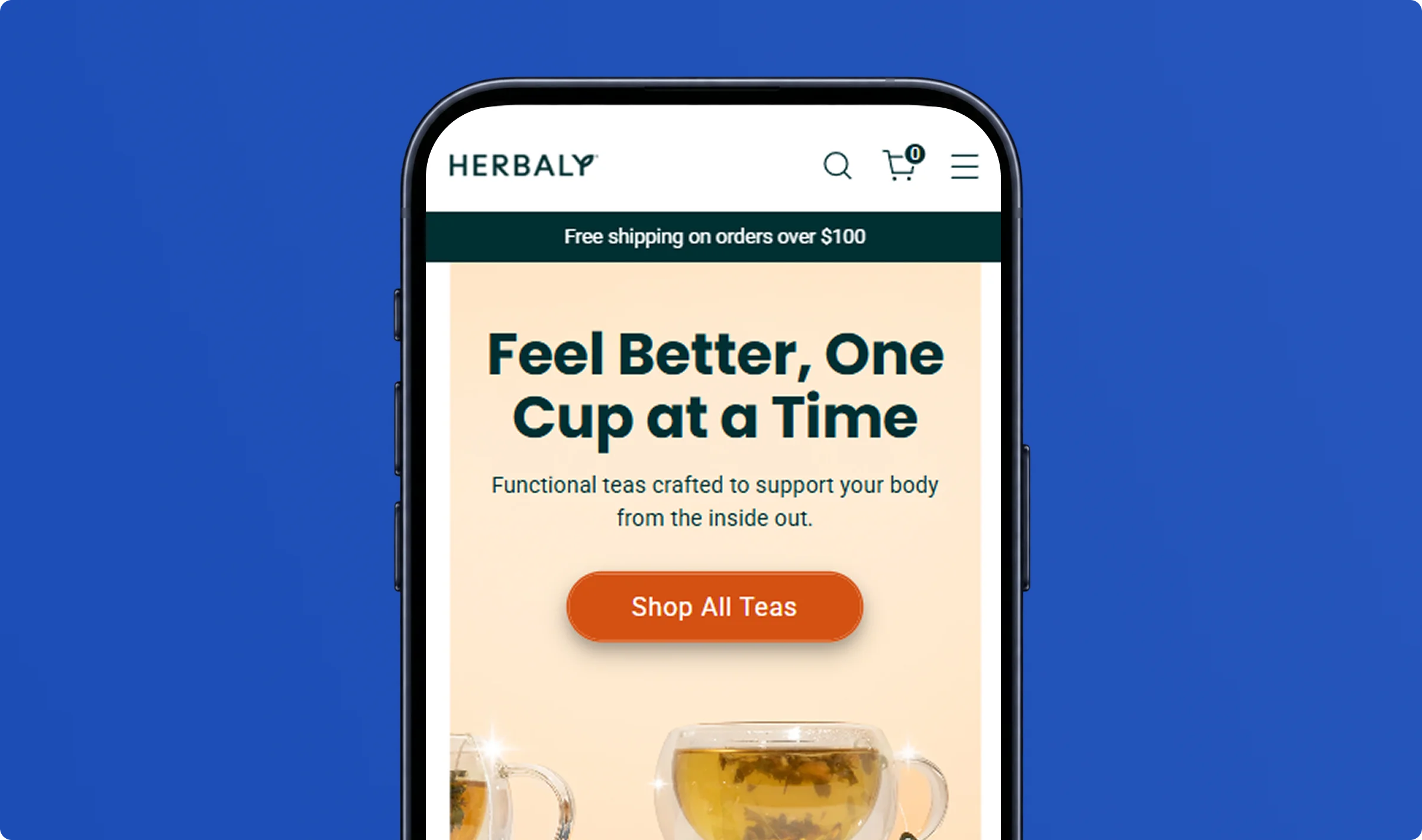
Herbaly is a wellness tea brand with a strong Instagram and TikTok following. When they came to us, their landing page was designed for desktop.
After reviewing their traffic, 84% of visitors were arriving on mobile.
On a phone, the “Order Yours Today” button was pushed below the visible screen. Visitors had to scroll to find it. Most didn’t.
We rebuilt the page mobile-first; the button was visible immediately without scrolling, the form was easy to tap with one thumb, and the images were sized for a vertical screen. Conversions increased without changing any copy or the offer.
Why It Works
If the primary action, the button, the form, or the CTA, isn’t visible on the first screen without scrolling, a large portion of mobile visitors will leave without converting.
Mobile-first design isn’t about making a desktop page smaller. It’s about building for how most of your visitors actually experience the page.
What to Do
Open your landing page on your phone right now.
- Can you see the main CTA button without scrolling?
- Can you tap it easily with one thumb?
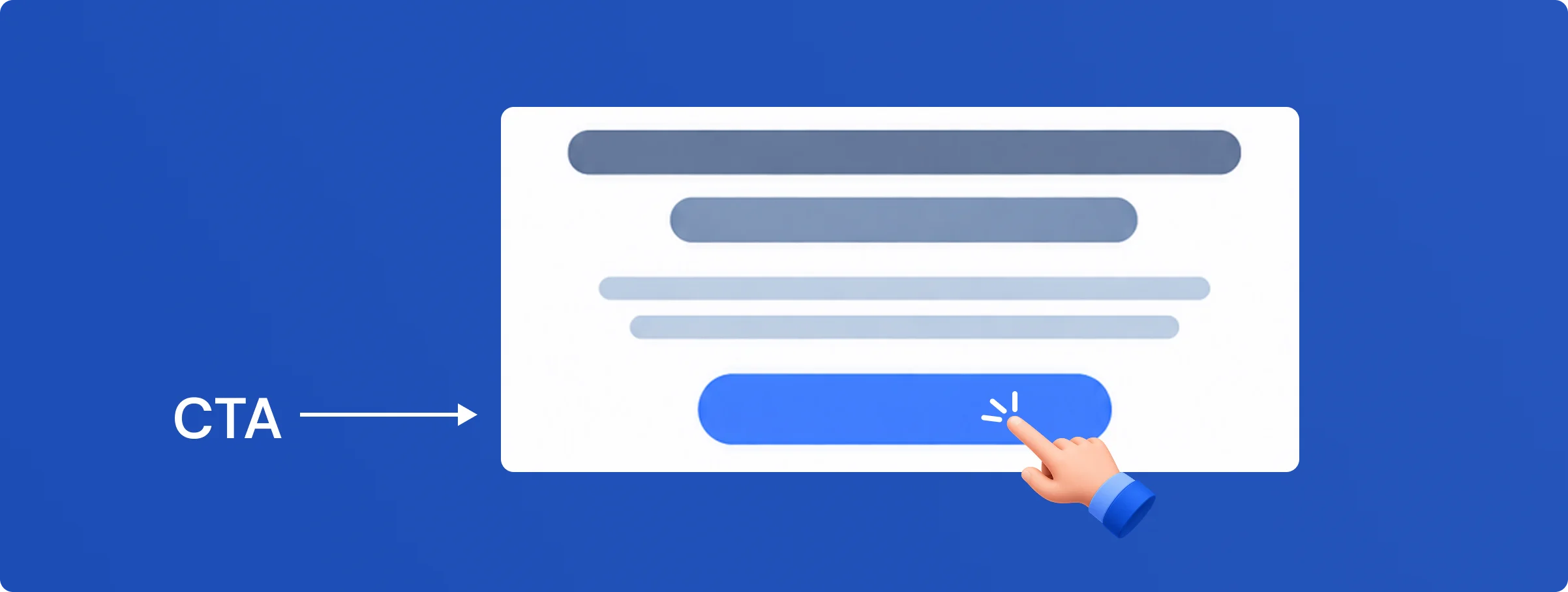
If the answer to either is no, you’re losing leads every day on the traffic you’re already paying for.
Trend 7: A Faster Page Costs Less on Google Ads
Why It Matters
Slow landing pages don’t just frustrate visitors; they cost you more money on every click.
Google uses page speed as a factor in calculating Quality Score. A lower Quality Score means a higher cost per click on the same keywords. Every time someone clicks your ad and lands on a slow page, you pay a penalty, even if your ad is perfectly written and your targeting is correct.
Real Client Example
Clients running Unbounce pages and WordPress pages frequently arrive with pages carrying large, unoptimized images from designers and unused scripts from third-party tools.
In those cases, we rebuild with compressed images, cleaned-up code, and a streamlined template. The result is a faster page and a lower cost per click on the same campaigns, without changing a single ad.
Beyond cost, Google’s own data shows that each extra second of load time reduces mobile conversions by approximately 20%. So a slow page hurts twice: you pay more per click, and fewer of those clicks convert.
Why It Works
Google rewards fast pages because they provide a better user experience. When your Quality Score improves, your cost per click goes down, on the same keywords, same bids, same targeting.
Speed isn’t just a technical consideration. It’s a direct lever on your paid media cost.
What to Do
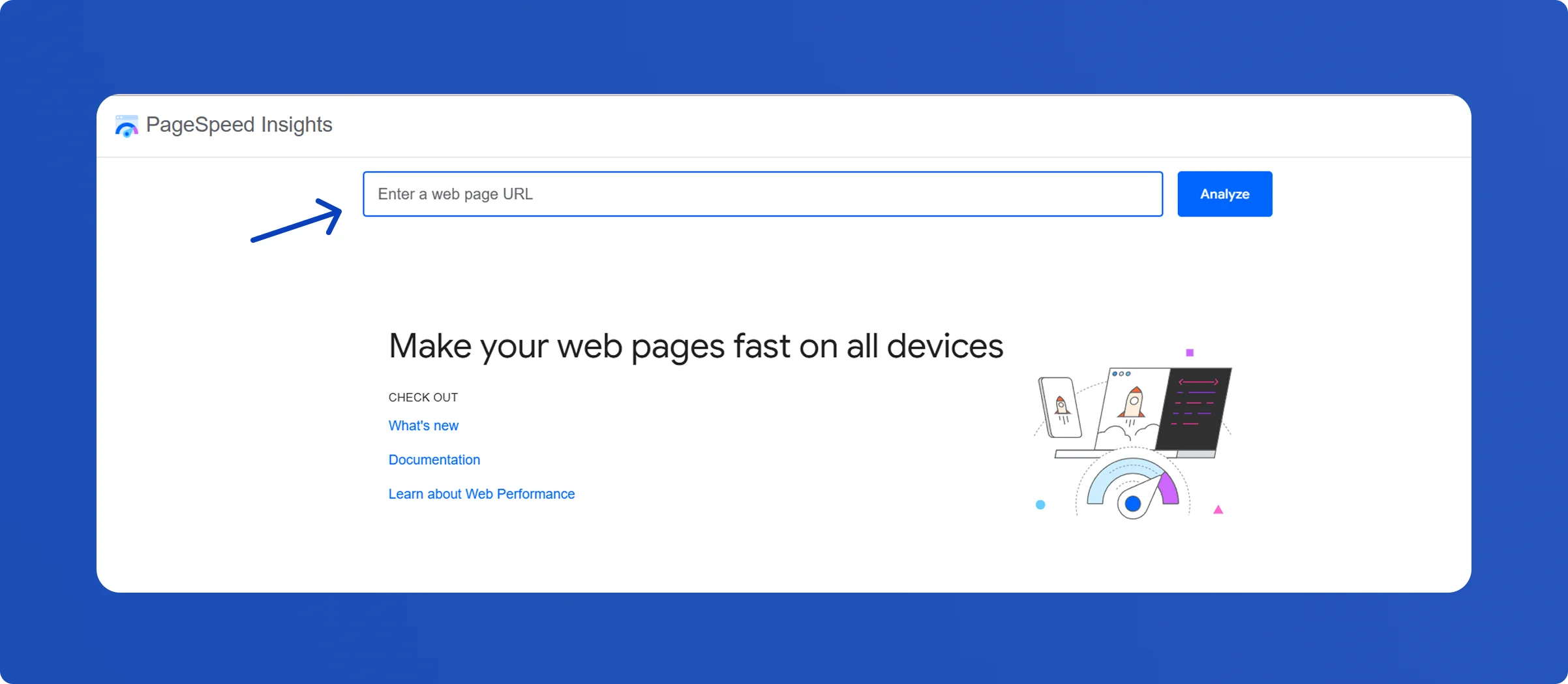
Go to Google PageSpeed Insights and enter your landing page URL.
If your mobile score is below 70, you’re paying a penalty on every click.
The fastest fix: compress every image on the page. Most slow pages are slow because of one or two large, uncompressed images from the design stage.
Trend 8: Industry-Specific Landing Pages Outperform Generic Ones
Why Generic Pages Underperform
If SaaS companies, law firms, and restaurants all land on the same page, none of them will feel like the page was built for them.
A SaaS founder wants to see SaaS examples. A law firm wants to see legal case studies. A home services business wants proof that you’ve solved similar challenges before.
When visitors can’t see themselves in your messaging, examples, or results, conversion rates suffer.
Why It Works
People are more likely to trust businesses that understand their industry.
A page tailored to a specific audience feels more relevant because it speaks their language, addresses their challenges, and showcases proof that matters to them.
Instead of wondering whether you’re the right fit, visitors can immediately focus on the value you provide.
What to Do
Identify your most valuable industries and create a dedicated landing page for each one.
Include:
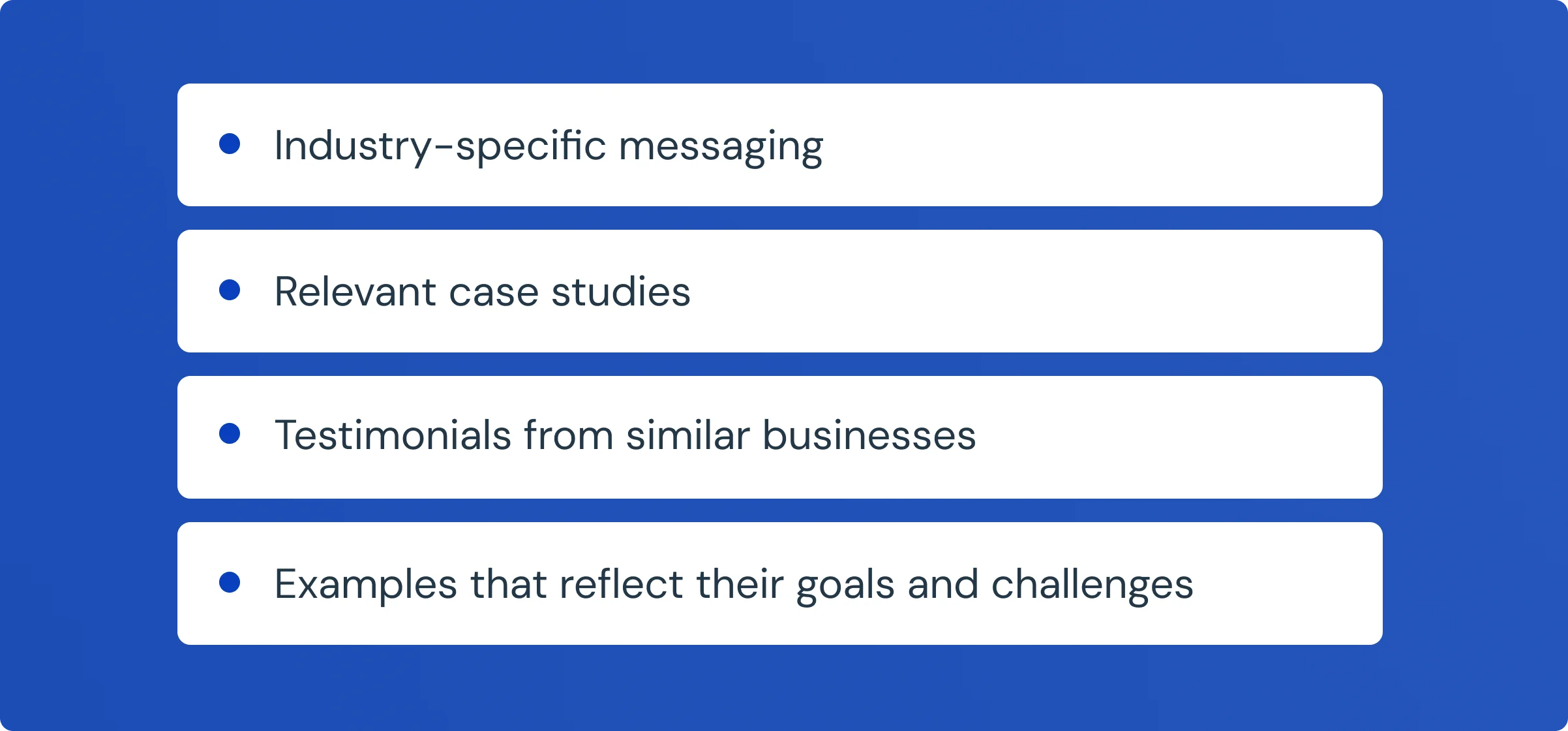
The more relevant your page feels to the visitor, the more likely they are to trust your offer and take action.
What We Tested That Did NOT Work
The industry recommends these widely. Our experience says otherwise.
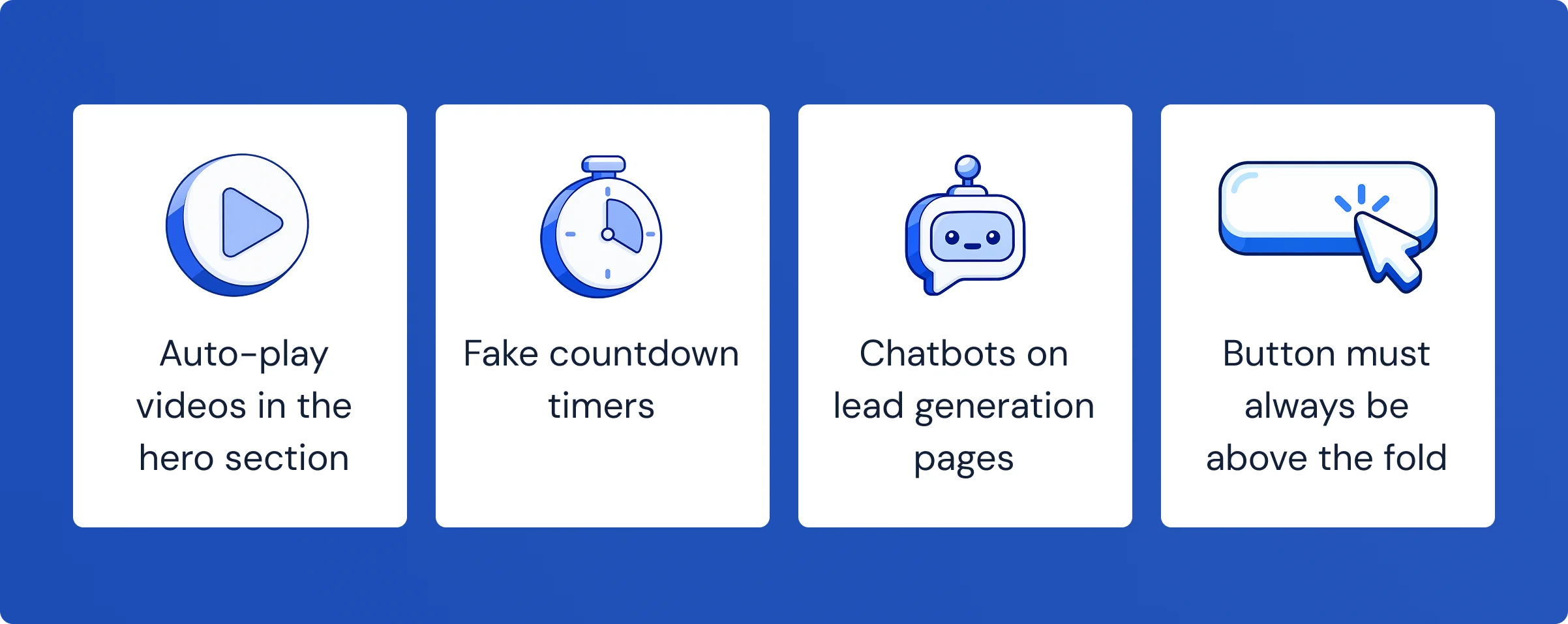
- Auto-play videos in the hero section
Adding a video often increases time on page, but does not reliably increase conversions. It almost always increases load time. We now use video only when the product genuinely needs a visual to be understood. - Fake countdown timers
Manufactured urgency (“Offer ends in 00:09:47”) damages trust in B2B campaigns. In multiple tests, it lowered the conversion rate. Real deadlines, an actual sale end date, and genuine limited availability work. Fake ones increasingly don’t - Chatbots on lead generation pages
Chatbots pull visitors away from the form. The visitor engages with the bot, doesn’t get a clear answer, and leaves without converting. Chat works well for complex products where people genuinely need to ask questions before deciding - The button must always be above the fold
Not always true. For high-consideration services, custom design, enterprise software, and healthcare, visitors often need to read the proof before they’re ready to act. A CTA placed after the testimonials frequently outperforms one placed at the very top.
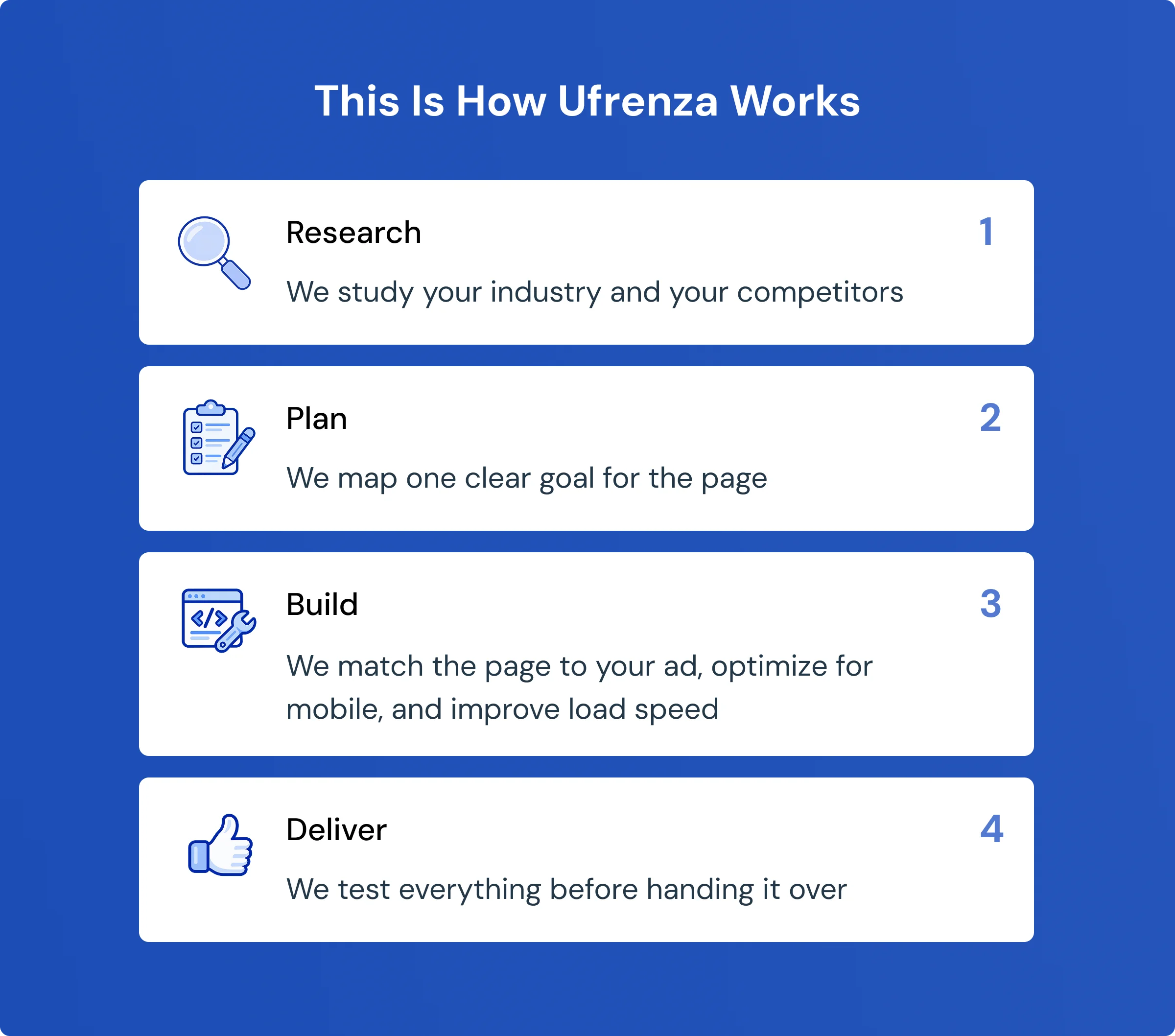
How Ufrenza Works
Every landing page we build goes through four steps:
FAQ’s About Landing Page Design Trends
Leading your headline with a real client result. We have confirmed data from Lifted Metrics, a conversion rate increased from 8% to 15%, and CPL reduced by 43.3%. A specific number consistently outperforms a tagline.
Two for the first step: name and email. Move additional questions, budget, company size, and project details to a second step after initial capture. Shorter forms get more completions with no reduction in lead quality.
Yes, directly. Google uses page speed as part of Quality Score. A lower score means a higher cost per click on the same keywords. Improving load time reduces ad spend without touching the campaign itself.
Yes. The closer your landing page matches the specific ad that sent the traffic, the higher your conversion rate and the lower your cost per lead. One general page serving all ad groups is the most common source of wasted ad spend we see.
Fake countdown timers, auto-play hero videos, and chatbots on lead generation pages. All three are widely recommended, and all three underperform consistently in our experience.
Publish content with real data, named clients, and specific results. AI engines cite pages that contain information they cannot generate themselves. Generic tips are ignored. Real numbers from real campaigns get cited.
Key Takeaways
- A headline with a real client result converts 40–90% better than a tagline
- Focused landing pages convert 3–5× better than homepages for paid traffic
- Cutting a form from 6 fields to 2 increases completions by 30–55% with no drop in lead quality
- Message mismatch between ad and page is the #1 cause of wasted ad spend in 2026
- A page load time under 2 seconds reduces Google Ads CPC by 20–26%
Conclusion
Landing page design in 2026 isn’t about following design trends. It’s about improving the metrics that matter.
The same principles continue to drive better results: lead with proof instead of promises, focus every page on a single goal, establish credibility early, reduce form friction, match the page to the ad, prioritize mobile users, improve page speed, and tailor messaging to specific audiences.
None of these changes requires a complete redesign. Most can be tested and implemented in a matter of hours.
The highest-converting landing pages aren’t always the most sophisticated. They’re the ones that continuously test, measure, and improve.
If you’re only going to make one change, start with your headline. Replace a generic claim with a real client result. It’s one of the simplest and most effective optimizations we’ve seen across hundreds of campaigns.

ABOUT THE AUTHOR

Sheikh Zaid Nazir
Zaid Nazir is the founder and head of Ufrenza, a leading digital marketing and web design agency. With over a decade of experience in the industry, Zaid has driven the success and innovation at Ufrenza, guiding the team to create numerous impactful landing pages and generating over 10,000+ leads for clients worldwide.


 Read Time: 1 min